When a Xiaomi TV may need software recovery
Freezing on the Mi or Xiaomi splash screen, a reboot loop after an update, and the inability to open Smart TV can be caused by corrupted system files or a failed update. However, the same outward signs also occur with memory, power, or mainboard faults. So flashing is a possible recovery method, not a diagnosis based on a single symptom.
If the TV turns on but shows a black screen, it is important to check whether there is sound, backlight, and response to the remote. The cause may lie in either the software or the hardware. Slow performance, app and voice assistant errors also require checking the network, free space, settings, and the platform itself before reinstalling the system.
After installing a file not intended for that TV model, the TV may stop booting. To recover, you need to install the exact device modification and assess whether the standard recovery mode is available.
What services does TV Repair by Meryosab provide
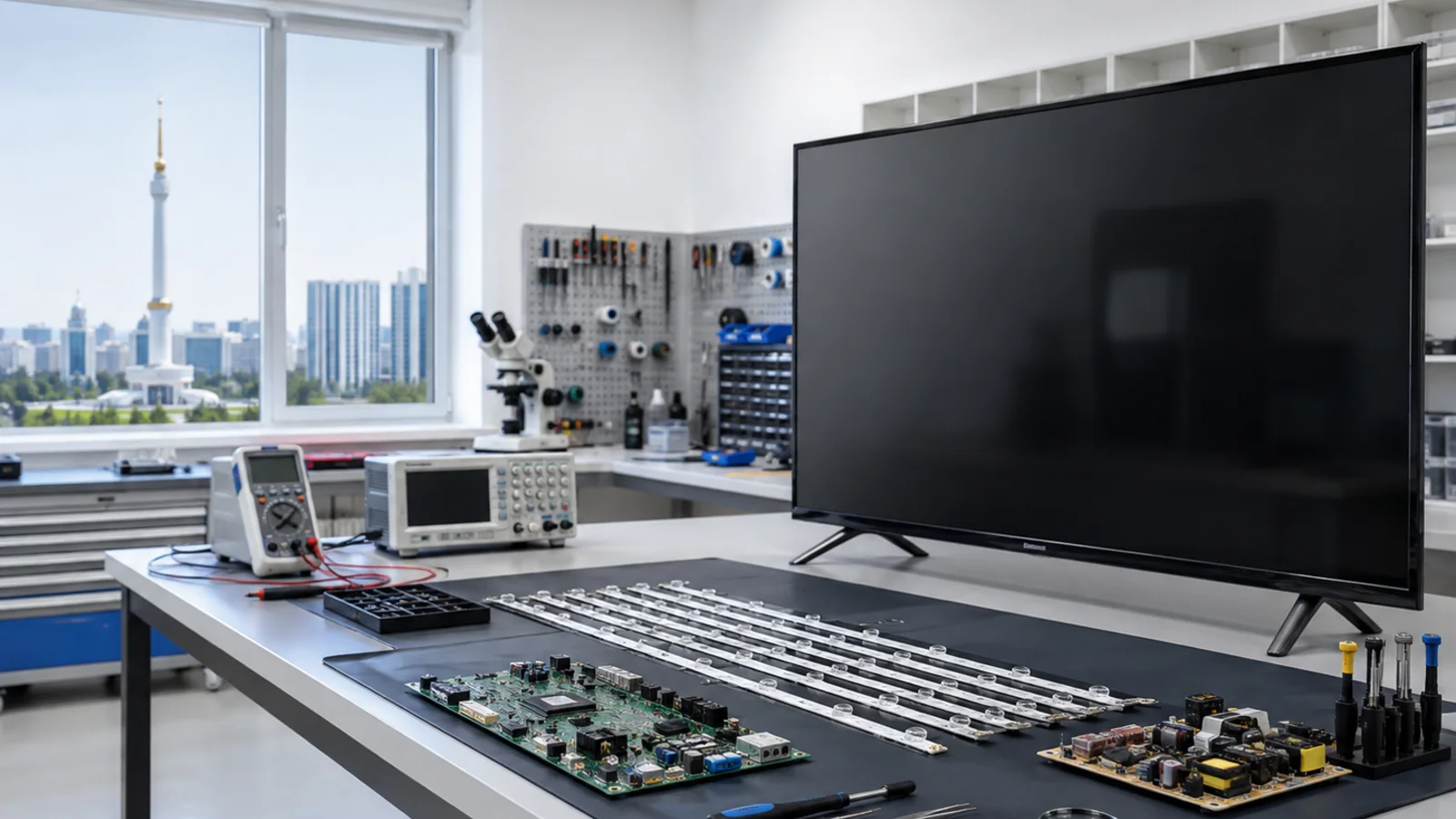
The workshop in Ashgabat provides software diagnostics and recovery for Xiaomi TVs, including devices from the Mi TV, Mi TV A/P/S and P1 families. Whether a specific procedure is possible depends on the exact model, hardware revision, and installed platform — MIUI TV, Android TV or Google TV.
Once the cause is identified, specialists can perform a compatible software update, restore via the recovery mode available for the model, reset settings, or configure Wi-Fi, channels, and apps. The file format and installation method are chosen for the specific device: OTA, ZIP, and service images are not interchangeable.
If diagnostics indicate data corruption in the eMMC, professional recovery of the memory contents is considered. If the chip itself is physically faulty, rewriting alone may not be enough; the scope of hardware work is agreed separately. Operations involving the bootloader, memory, and board are performed under service conditions.
How the request and repair process works
- Contact the repair shop by phone, WhatsApp, or Telegram. Tell them what happens when you turn on the TV and send a photo of the factory label showing the complete TV model. The screen size and brand name alone are not enough to choose the firmware.
- The technician checks the symptoms and determines whether software recovery or additional hardware diagnostics are required.
- Before starting, the cost, scope of work, and possible loss of user data are agreed upon. If data preservation is available, this option is discussed; a reset or clean install may delete apps, accounts, and settings.
- After the agreed work is carried out, boot stability, app operation and channels are checked within the available conditions. Warranty terms are recorded based on the procedure performed.
Equipment intake is by prior arrangement. It’s best to arrange drop-off of a large TV in advance.
Equipment intake is by prior arrangement. It’s best to arrange drop-off of a large TV in advance.
What you can safely check before contacting us
Check whether the outlet works with another functioning device, whether the original power cable is connected securely, and whether the TV responds to the remote or the power button. If the device has frozen, unplug it from the outlet for a few minutes and then turn it back on. If the problem occurs only with apps, check your internet connection and whether a specific service is experiencing an outage.
Do not install firmware found only by a similar model name, do not use random button combinations to enter service modes, and do not open the TV. If there is a burning smell, signs of liquid, or a damaged cable, unplug the device from the mains and do not plug it back in.
Cost, data safety, and warranty
The cost is determined after the model is identified and diagnostics are performed: a routine setup, system recovery, and memory work may require different amounts of work. Before a reset or reinstall, the repair shop warns about the risk of deleting user data. Compatible firmware reduces the risk of choosing the wrong file, but it does not eliminate hardware causes of recurring failures. The specific warranty terms are agreed upon based on the type of work performed.
How to contact the repair shop
TV Repair by Meryosab accepts requests from Ashgabat and other regions of Turkmenistan; the possibility of transferring the device is agreed individually.
Phone and WhatsApp: +993 63 70 59 53. E-mail: tvrepairmsb@gmail.com. Address: Ashgabat, Parahat 3/2 (Mir 3/2), building 14. Reception is by prior arrangement.
Conclusion
To restore Xiaomi, the cause of the failure is first determined, then a compatible repair method is chosen. To arrange diagnostics, provide the full model and symptoms at the number +993 63 70 59 53.