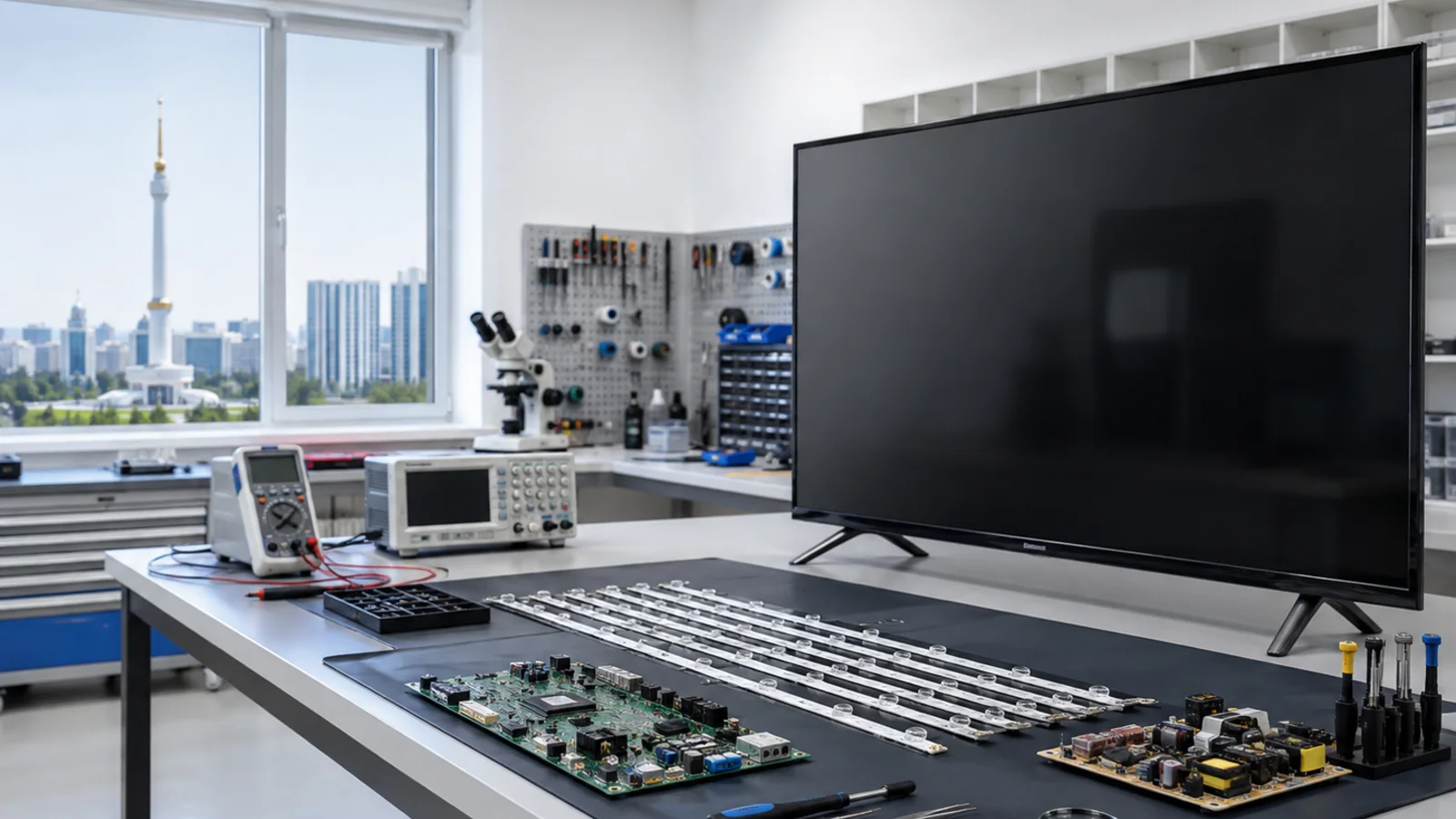
When a Samsung TV may need software recovery
Freezing on the Smart TV splash screen, repeated reboots, sluggish performance, Smart Hub and app errors, or a failure after an update may be related to software. However, none of these signs on its own confirms that the firmware needs to be reflashed.
If the TV turns on and immediately turns off, or resets its settings on its own, troubleshooting should take into account not only a software failure but also the power supply, system board, and memory. Apps that don't work may also be related to the internet connection, settings, and service availability.
Which TVs we accept
TV Repair by Meryosab works with Samsung TVs, including Crystal UHD, QLED, The Frame, and older models. The availability of a specific recovery method is determined after confirming the full model designation, software version, and hardware revision. Not all TVs support the same recovery modes.
How diagnostics and recovery work
First, the technician records the symptoms and the circumstances in which the fault appeared: after an update, a power cut, or with no obvious cause. Then they check whether the menu is accessible, whether the device starts up reliably, and for signs of a hardware fault. Only after that is the approach decided.
If the device supports standard updates, the methods provided for the specific model are used — via network or USB drive. If the software environment is corrupted, the service evaluates the recovery procedures available for that model. Work with the bootloader and eMMC memory is only possible when technically necessary and when compatible data and equipment are available.
Memory data corruption and physical eMMC degradation are different faults. If the chip is physically faulty, simply flashing the firmware does not fix the defect; hardware repair may be required. We can’t promise recovery for every model or preservation of all data.
Why the exact model matters
Firmware is selected based on the full model code and the applicable hardware revision, not just the series name or screen size. An incompatible file can make the device inoperable. Before operations that may delete settings and app data, the technician warns the client; data preservation is not always possible.
What we check after the work
After restoration, we check startup stability, the Smart TV menu and available apps, Wi-Fi connection, and channel setup if necessary. The scope of testing depends on the detected fault and the agreed work.
How to order Samsung firmware
1. Contact the repair shop by phone or WhatsApp, or via the agreed Telegram channel. Send a photo of the factory label with the full model code and describe what is happening with the TV.
2. After diagnostics, the technician will determine whether the problem is related to software or hardware.
3. The cost and scope of work are agreed upon before repairs begin. The exact price is determined after diagnostics.
4. After the work is completed, the TV is tested; warranty terms are set according to the type of repair.
Contacts TV Repair by Meryosab
Phone / WhatsApp: +993 63 70 59 53. E-mail: tvrepairmsb@gmail.com. Address: Ashgabat, Parahat 3/2 (Mir 3/2), building 14.
Equipment intake is by prior arrangement. Please arrange the handover of a large TV in advance. The workshop handles requests from Ashgabat and other regions of Turkmenistan; the possibility of equipment handover is determined individually.
Conclusion
Don't just flash a random firmware based on the series name: recovery depends on the exact model, proper diagnostics, and a compatible file. For a consultation, send a photo of the nameplate and a description of the symptoms to WhatsApp: +993 63 70 59 53.