All workshop services
Choose the desired category. Each service has its own page with faults, diagnostics, and repair options.
 Main services
TV Repair
LCD, LED, Smart TV, and Android TV of any screen size.
Learn More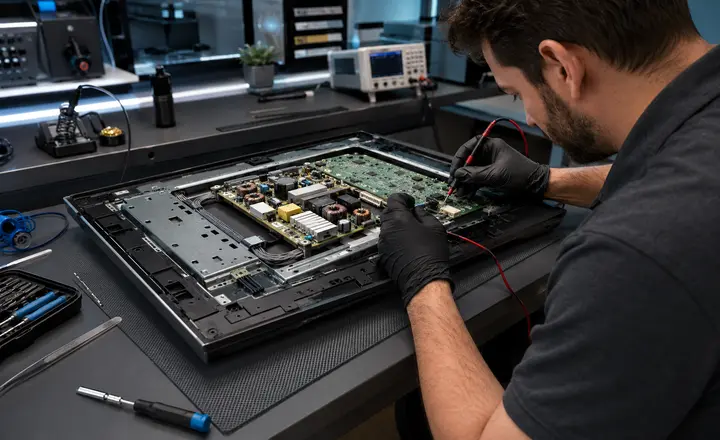 Main services
Monitor repair
Power, backlight, image, connectors, and boards.
Learn More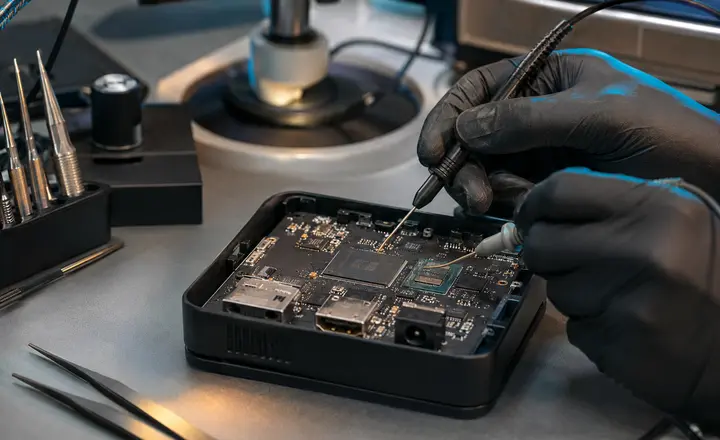 Main services
Android TV Box
Bootloop, eMMC, HDMI, power and software recovery.
Learn More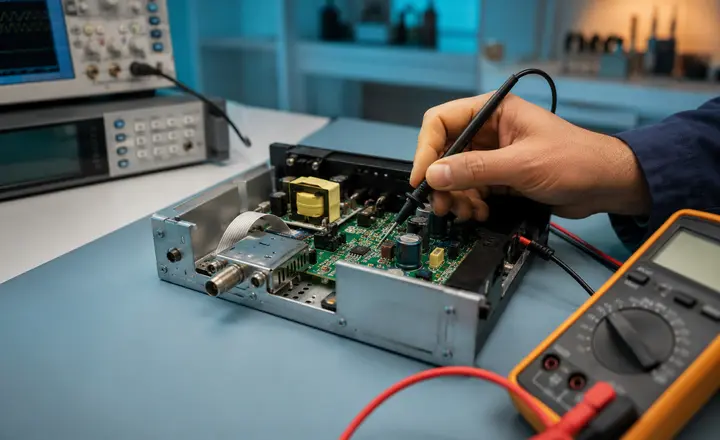 Main services
Tuners and receivers
Hardware failures and software glitches.
Learn More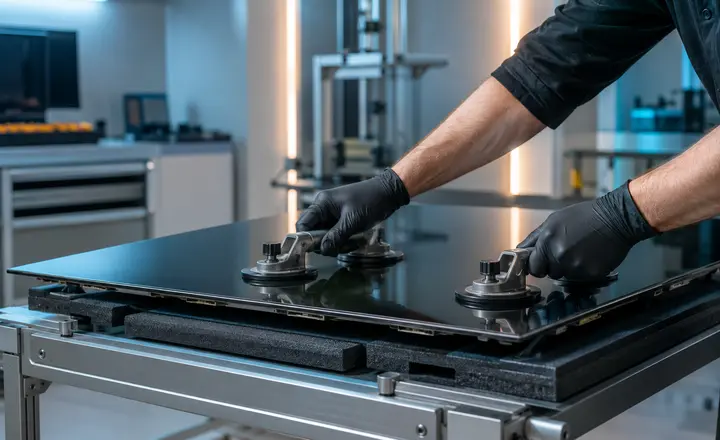 Screen and boards
Matrices and screens
Diagnostics, repair, and replacement of display modules.
Learn More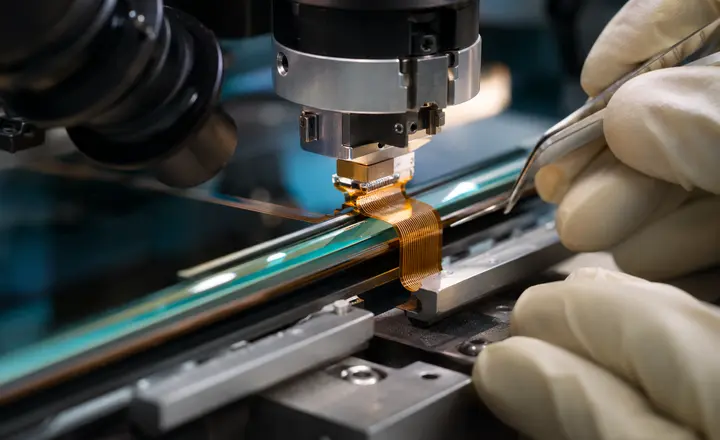 Screen and boards
COF / TAB
Restoring contacts and reattaching flat cables.
Learn More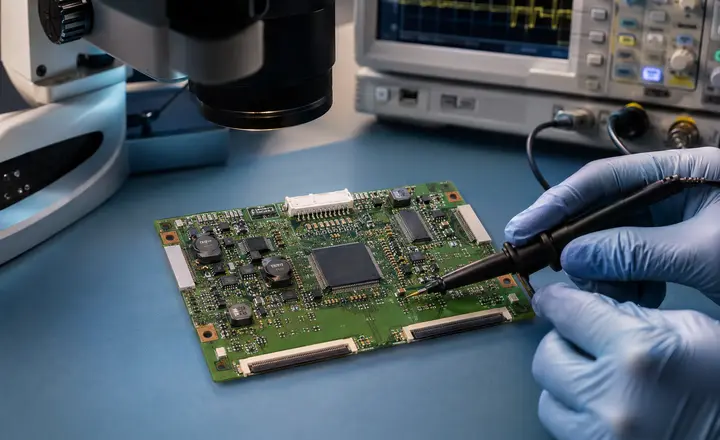 Screen and boards
T-CON
Repair of power supply, gamma correction, and signal circuits.
Learn More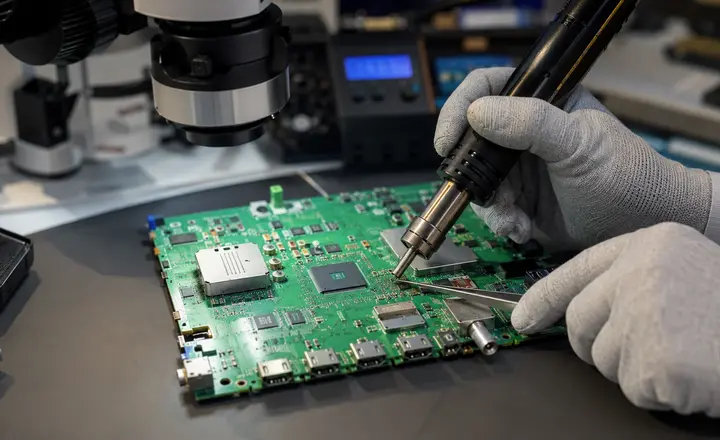 Screen and boards
Main Board
Component-level repair of the TV’s main board.
Learn More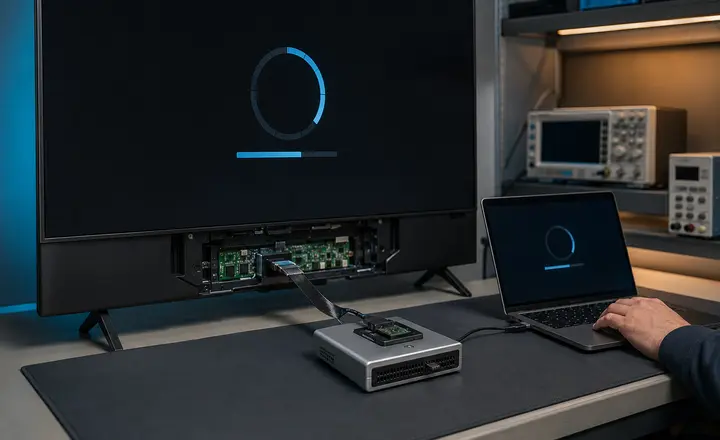 Software and modernization
TV firmware
Firmware, recovery, bootloader, and Smart TV restoration.
Learn More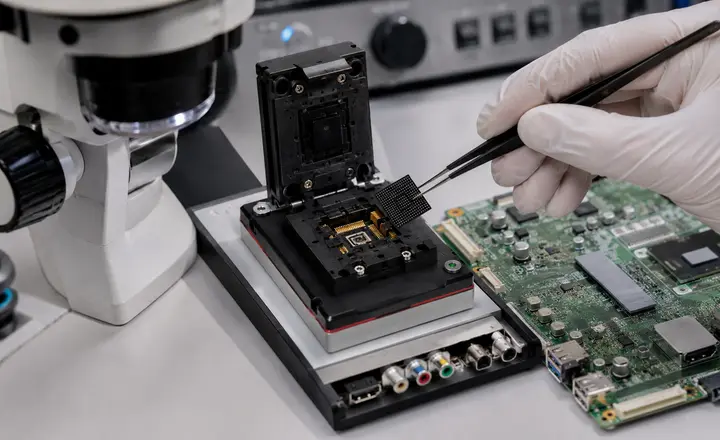 Software and modernization
eMMC / memory
Reading, recovery, programming, and replacement of memory.
Learn More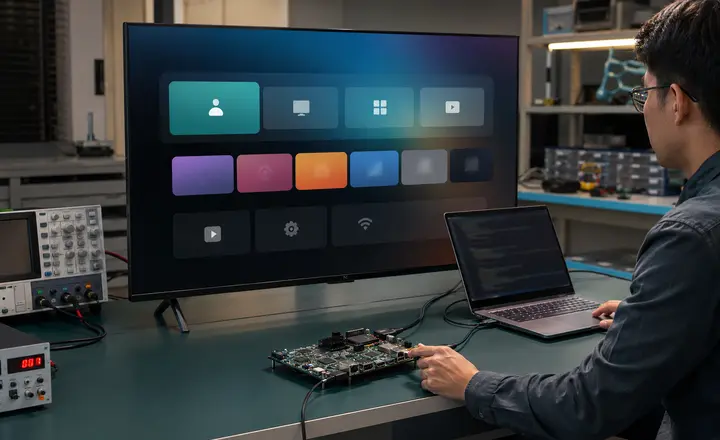 Software and modernization
Android / AOSP
Localization, personalization, and system configuration.
Learn More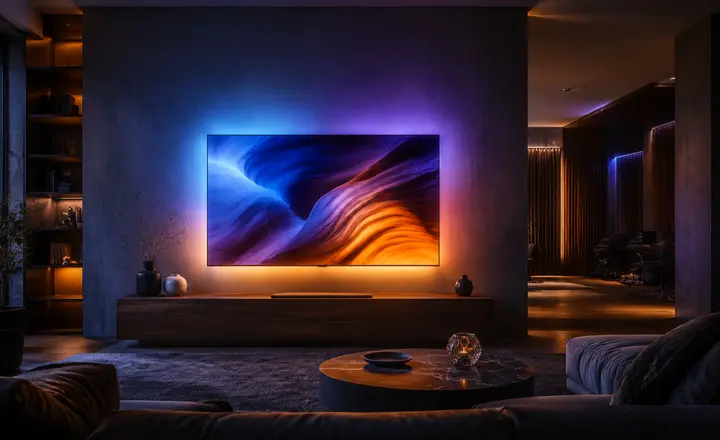 Software and modernization
Ambilight / LightMusic
Dynamic screen backlighting and light music.
Learn MoreTV and electronics spare parts store in Ashgabat
TV Parts is an online store and electronics marketplace for finding spare parts by TV model, board marking, and compatibility. Suitable for technicians, service centers, and customers who need components for repairing TVs, monitors, and other equipment.
TV Parts in Ashgabat — an online store for TV spare parts, an electronics marketplace and a catalog of electronic components for equipment repair. Here you can search for boards, modules and assemblies by brand, device model, board part number and compatibility. The catalog works for service centers and technicians as well as for customers who need a specific part to repair a TV or monitor.
What we repair
TVs, monitors, Android TV boxes, tuners, and receivers — choose the device you need to see detailed fault information and repair options.
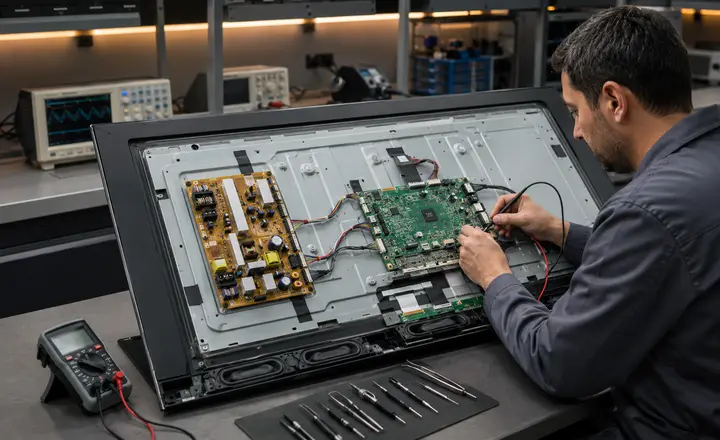 TVs
TVs
TV Repair
Diagnostics and repair of LCD, LED, Smart TV, and Android TV: power supply, backlight, picture, connectors, boards, and software faults.
More about TV repair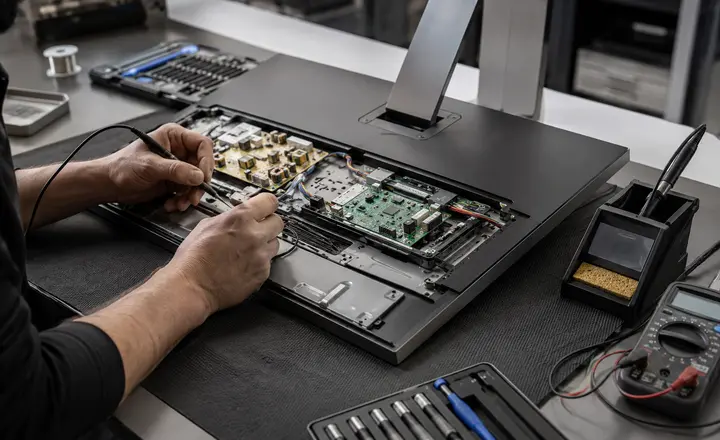 Monitors
Monitor repair
Repair of office, gaming, and professional monitors for power, backlight, picture, board, and video input issues.
More about monitor repair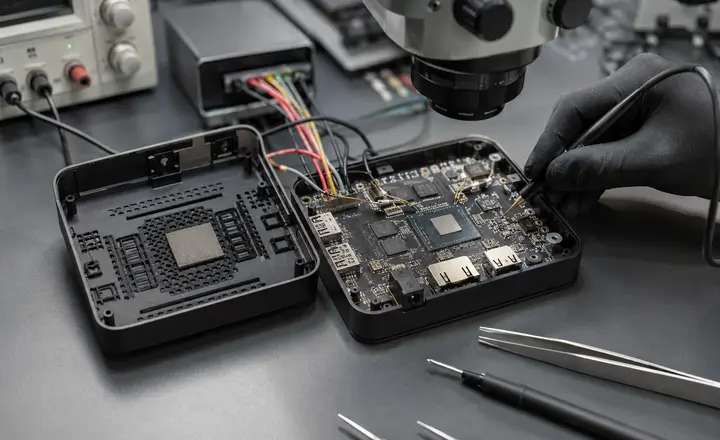 TV set-top boxes
Android TV Box Repair
Diagnostics of TV set-top boxes and media players: power supply, system boot, memory, HDMI, software, and electronic components.
More about TV set-top box repair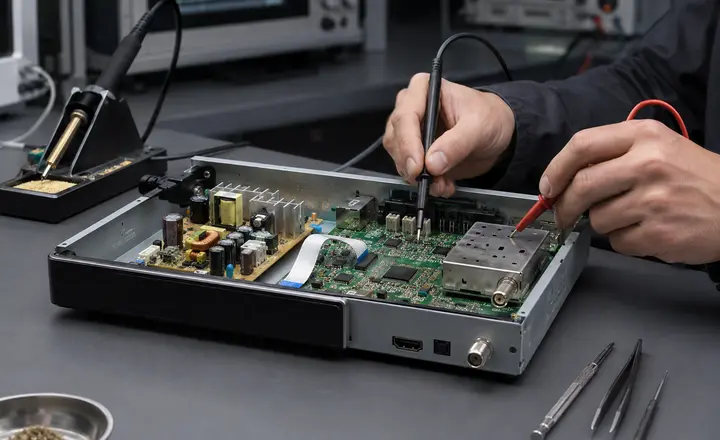 Tuners and receivers
Tuner and receiver repair
Testing and repair of digital tuners and receivers in cases of power loss, no signal, no picture, boot failure, or software crashes.
More about tuner repairWhat happened?
You don’t need to know the name of the part or board. Pick a symptom — that makes it easier to see possible causes of the fault and the right repair direction.
How diagnostics worksContact a technician
You can call right away or message us on WhatsApp. If you prefer, leave your name and phone number in the form below.
It won’t turn on.
No indication or response to the power button or remote control.
No image
Sound may be present, but the screen remains dark or no image appears.
Lines on the screen
Vertical or horizontal lines, distortions, or part of the image disappears.
No backlight
The screen is dark, but the image may be visible under external lighting.
Constant restarting
The TV shows the logo, restarts, or fails to complete system boot.
HDMI / no signal
The device is not detected, the signal drops, or one of the HDMI inputs does not work.
Liquid got in
After liquid got in, stains, lines, corrosion, or other issues appeared.
Another issue
Describe the problem and, if possible, attach photos or videos.
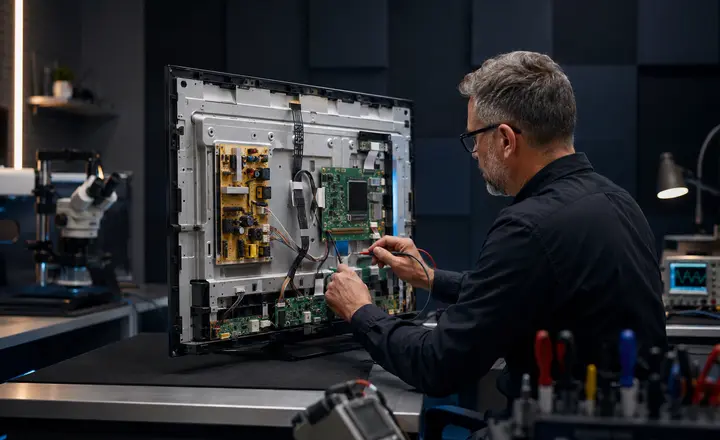
TV repair — from power supply to motherboard
We work with LCD, LED, Smart TV and Android TV. We find the cause of the fault, not just fix the external symptom, so we can choose the right repair option.
- Power, backlight and image
- Main Board, Power Board and HDMI
- Firmware, eMMC and system boot
Symptom
We determine what exactly is happening with the TV and under what conditions the fault manifests itself.
WaitingUnit
Depending on the symptom, we check the board, screen, power supply, backlight, or software part.
WaitingSolution
After diagnostics, we choose to repair the component, restore the unit, or replace it if that is really needed.
Waiting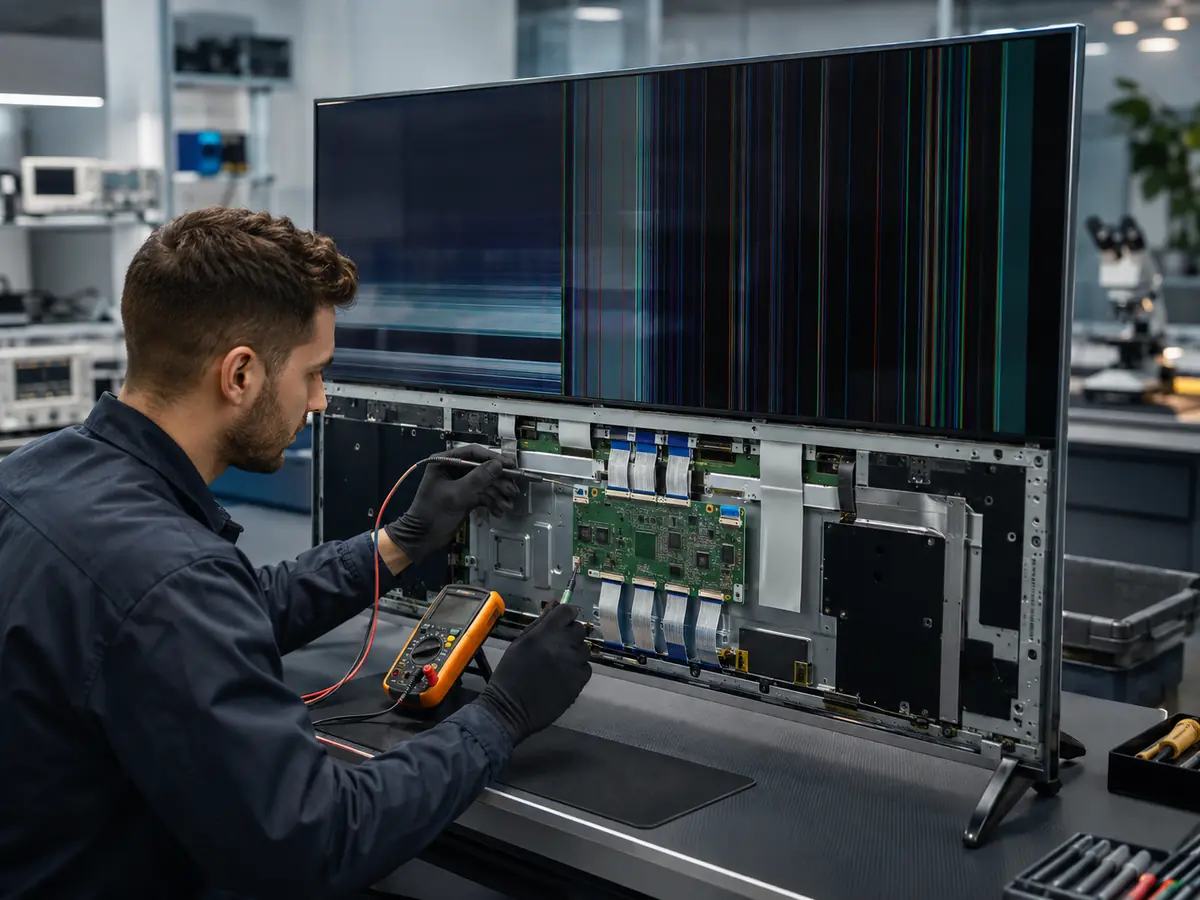
Matrices and screens: first determine what is actually damaged
Lines and distortion do not always mean replacing the entire matrix. The cause may be in the T‑CON, ribbon cables, COF/TAB, or contacts. First diagnose — then decide.
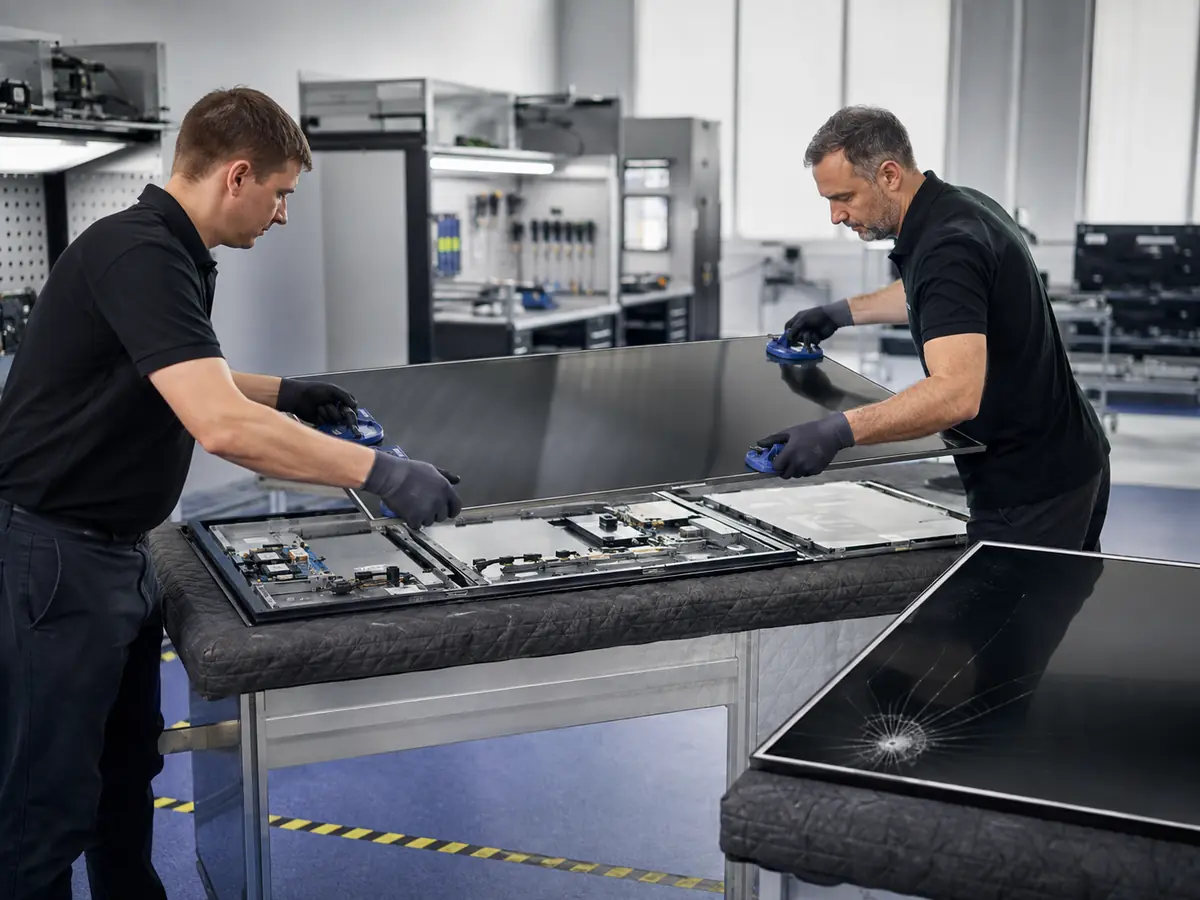
When the TV panel itself is damaged
Cracks, severe mechanical damage, and irreversible panel defects require a separate assessment. First, we check whether the problem is actually in the panel itself or in the control modules.
More about screen replacement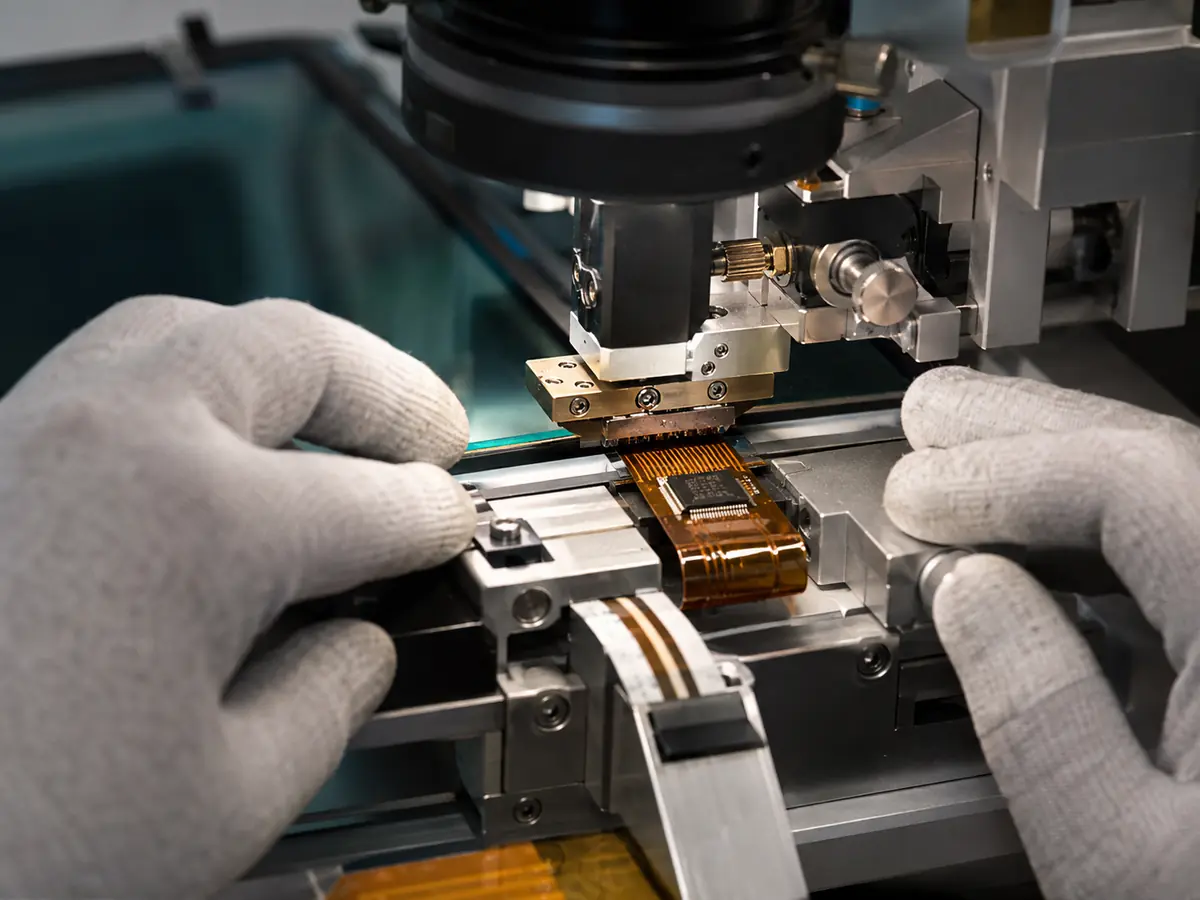
Stripes and partial image loss caused by panel connections
COF/TAB connections carry signals to the display panel. If they malfunction, vertical stripes, distortion, or unstable image areas can appear.
Learn more about COF / TAB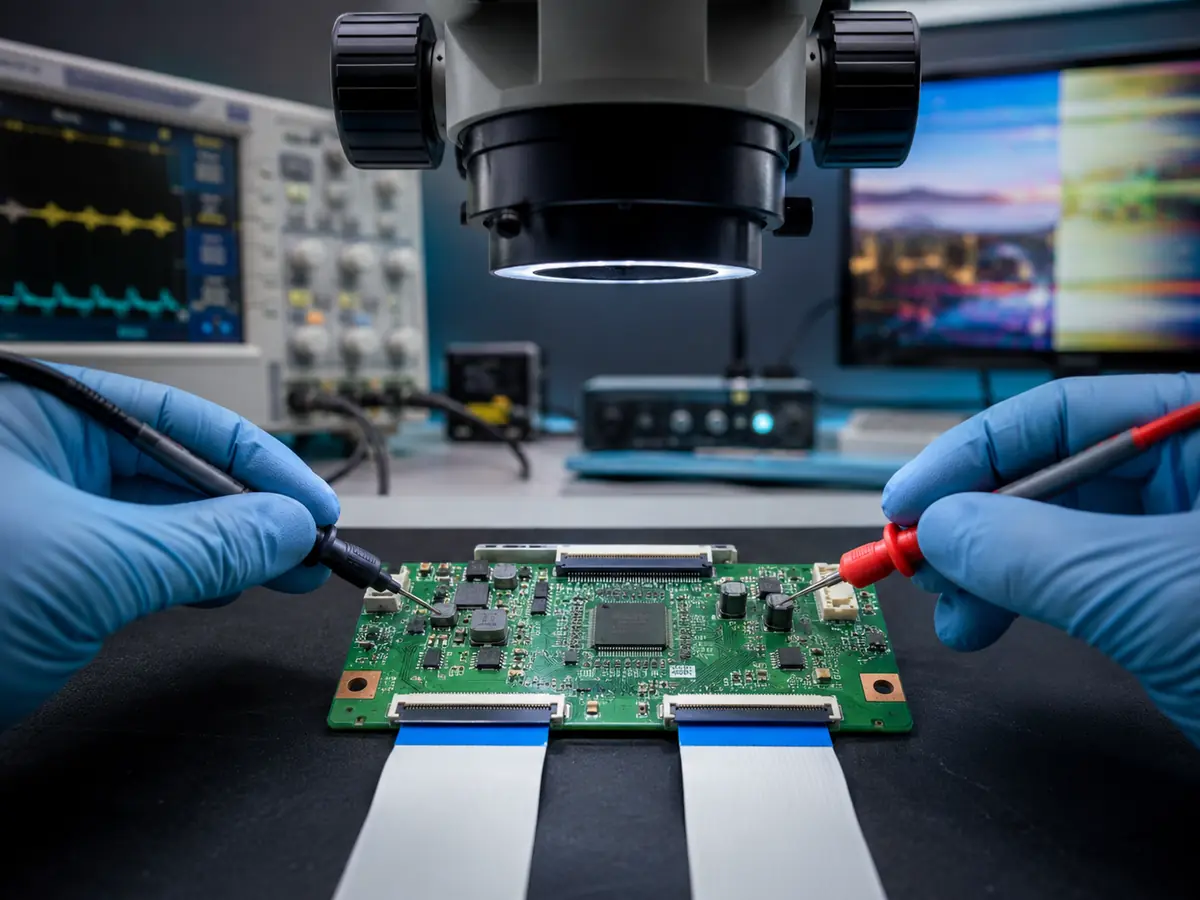
The board that controls image rendering
T‑CON malfunctions can manifest as stripes, incorrect colors, a partial image, or a complete loss of picture. Checking this board helps distinguish an electronics issue from a defect in the panel itself.
More about T‑CON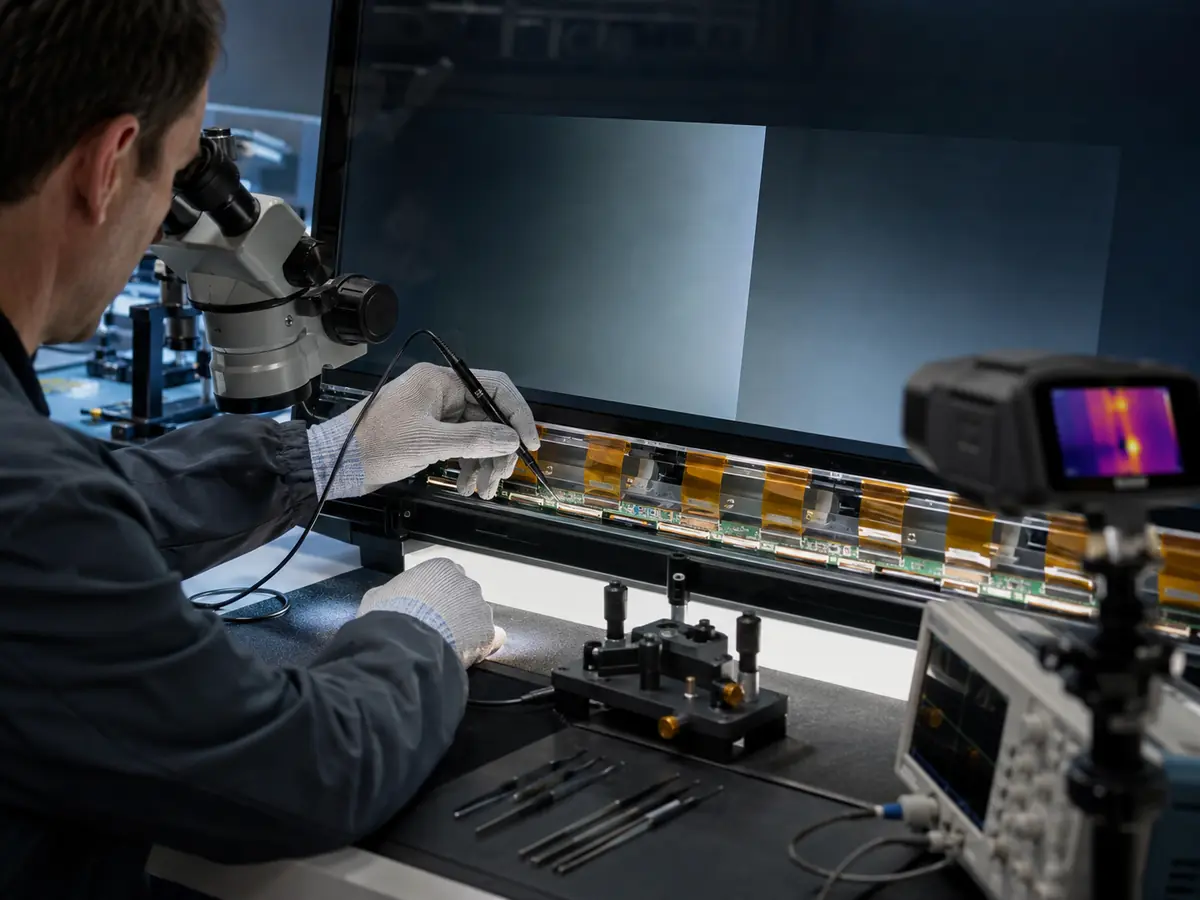
When the fault lies inside the panel system itself
For complex image defects, it is important to identify the specific area: panel power supply, signal lines, drivers, or connections. The solution is chosen only after isolating the cause.
More about panel repair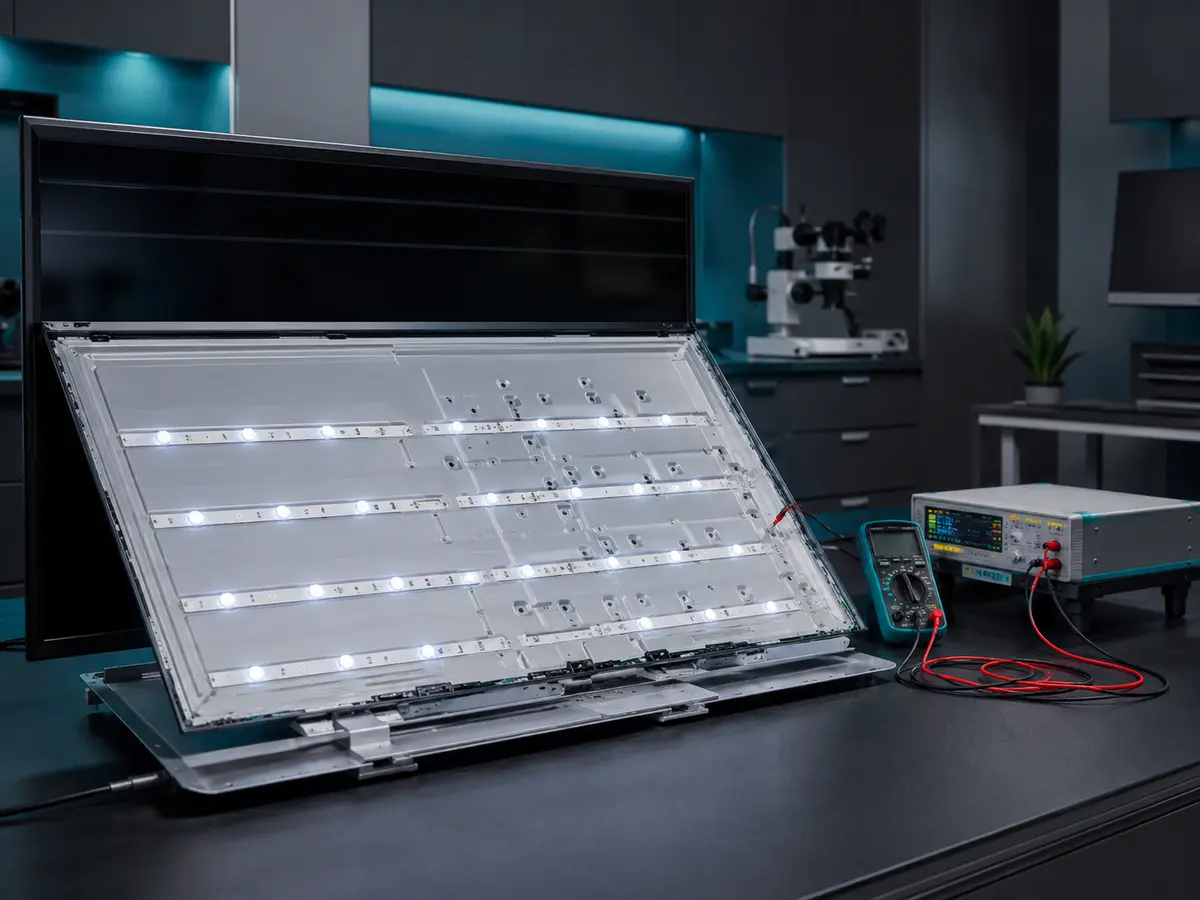
Dark screen while the TV is on
If there’s sound but the picture is barely visible, we check the LED strips and the backlight circuit. We identify the cause before replacing any parts.
More about backlight repair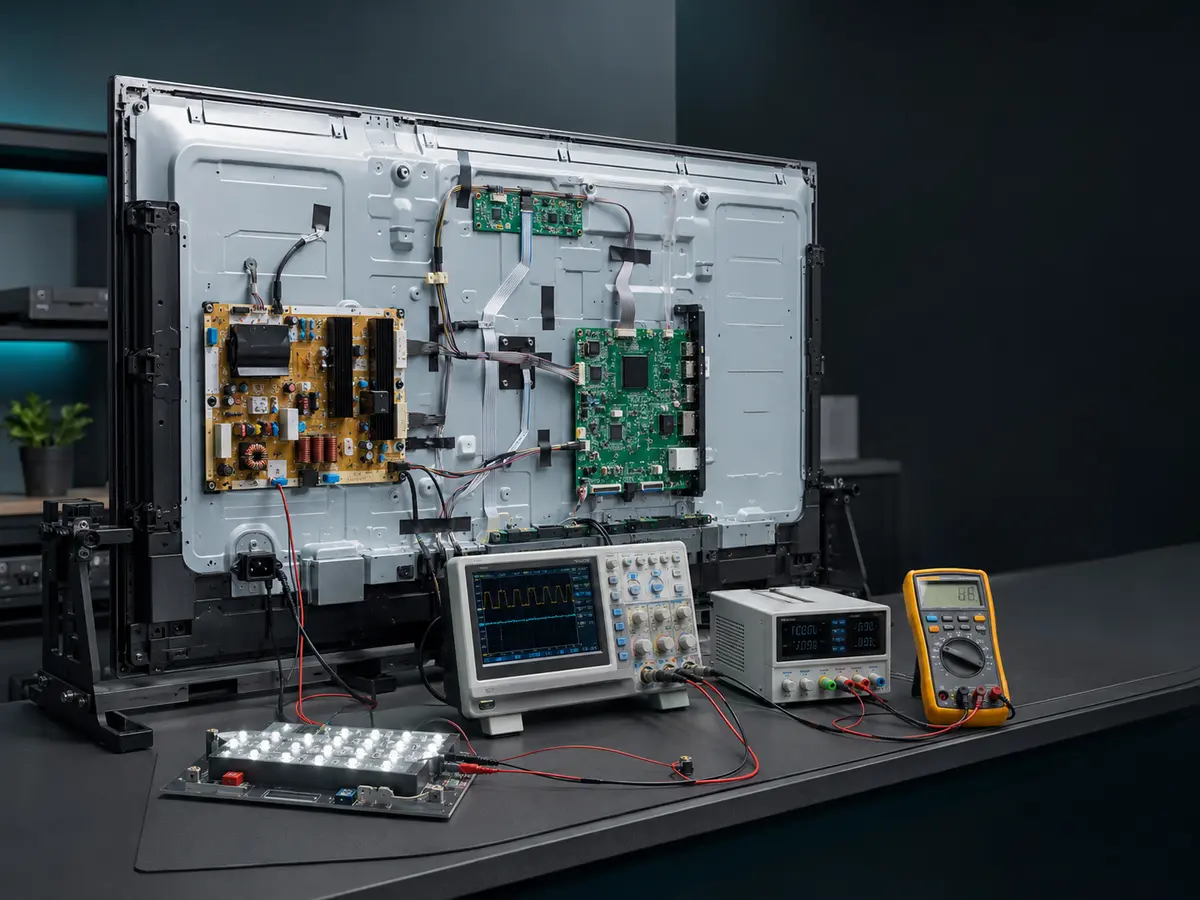
The cause is not always in the LEDs
The backlight depends on the driver and the power circuits. We check these components together with the LED strips, so we don’t replace parts that are still working.
Backlight diagnostics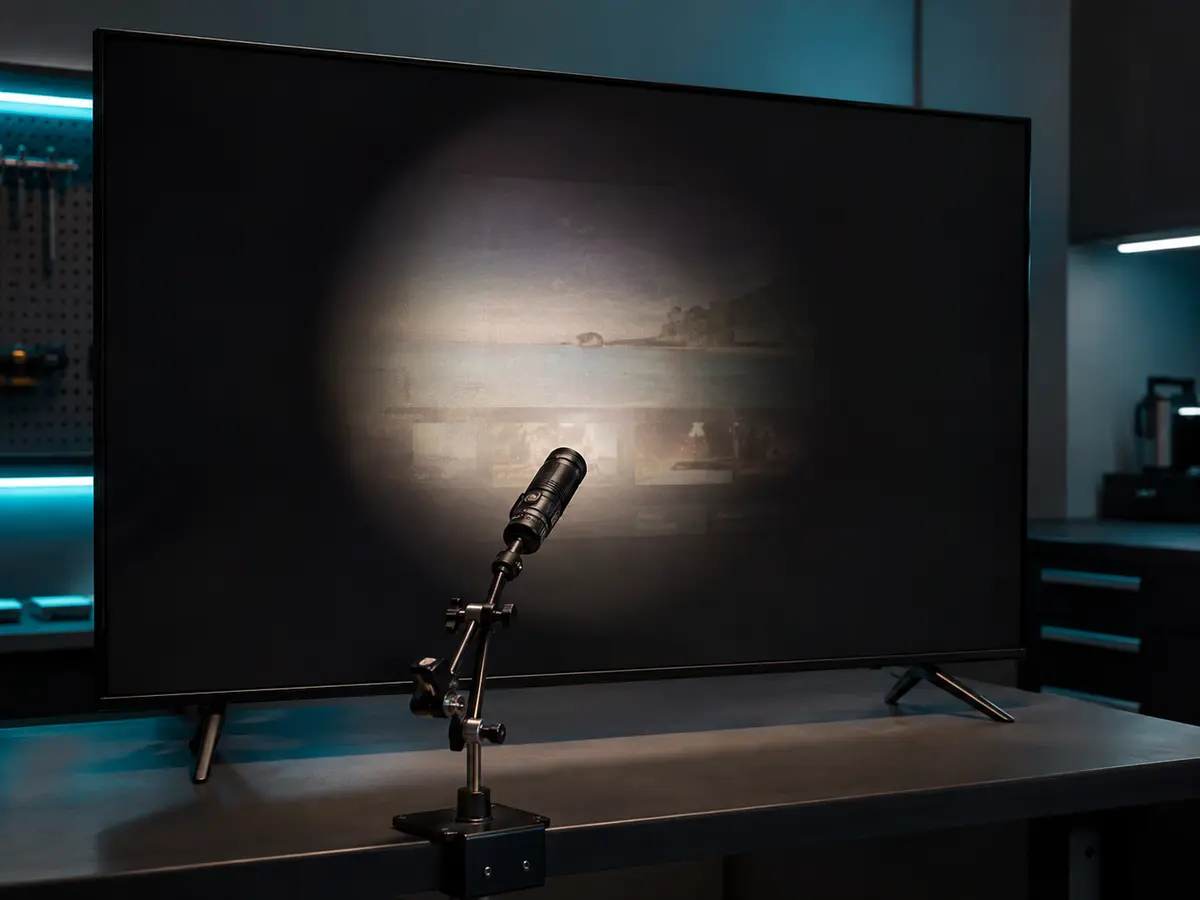
A faint image may be visible under a flashlight
When the TV is on and sound works, faint image outlines under directed light may indicate a backlight fault.
More about diagnosticsWe don’t replace parts at random
First, we separate backlight faults from power and control issues. This helps choose the right repair approach.
- LED stripsWe check whether the LEDs work and whether there is a break in the backlight circuit.
- Driver and power supplyWe check the components that generate backlight power.
- The cause of a dark screenWe compare the backlight with the presence of an image and the operation of the rest of the TV’s components.
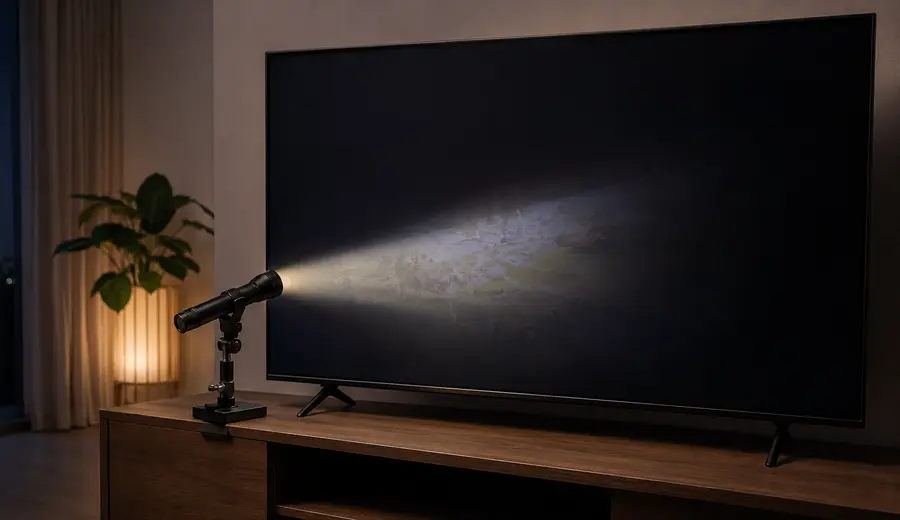
What you can check yourself
If the TV is turned on and has sound, but faint image outlines are visible on the screen under a flashlight at an angle, this may indicate a backlight problem.
Complex repair of circuit boards and components
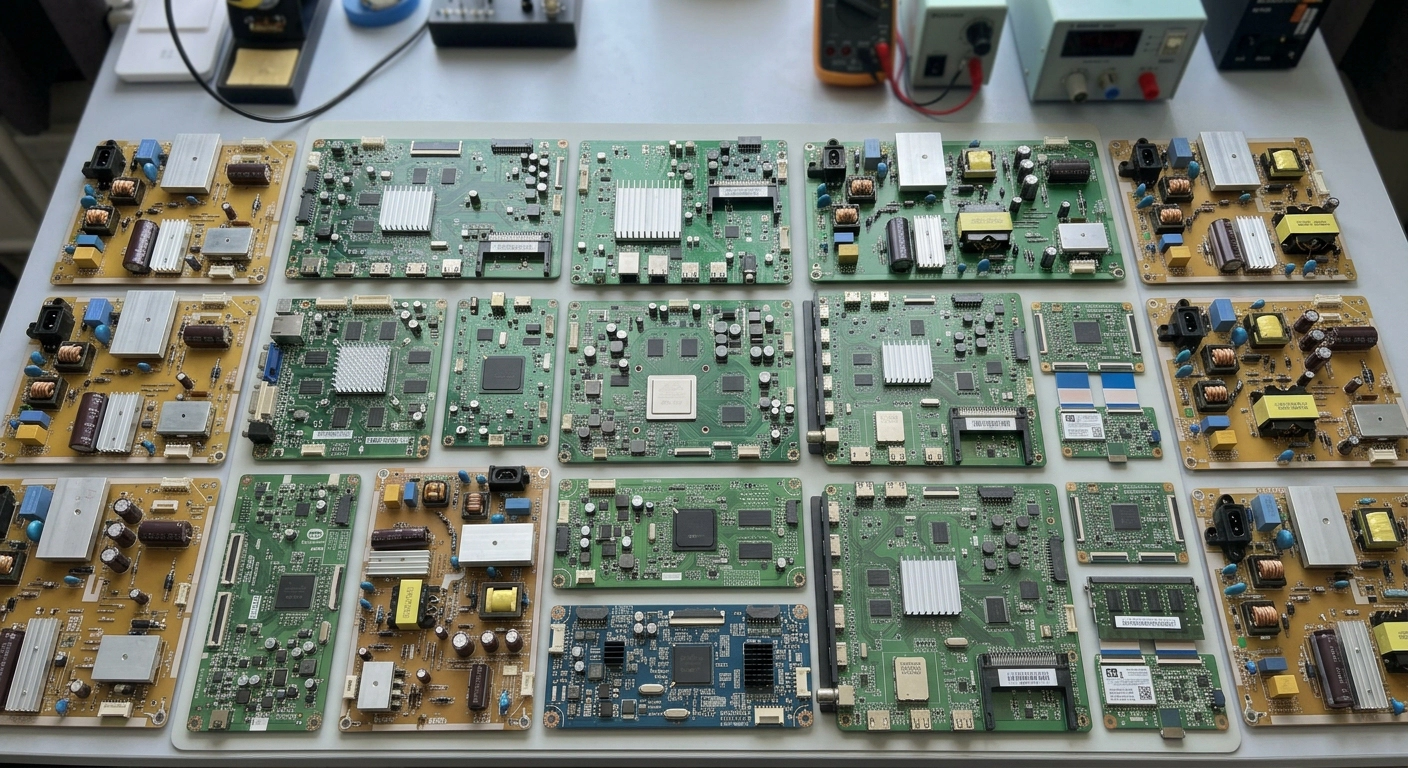
When a module can be restored, we don’t limit ourselves to full board replacement. We check the units, pinpoint the fault, and work with components right on the board.
System board
Power, processor, memory, interfaces, and peripherals.
Learn MorePower supply
Standby voltages, converters, and power section.
Learn MoreeMMC / Firmware
Reading, data recovery, and device booting.
Learn MoreHDMI and connectors
Mechanical damage, soldering, and signal circuits.
Learn MoreSmart TV freezes, reboots, or does not boot.
A bootloop can be related to the firmware, eMMC, power supply, or the main board itself. So first we separate the software and hardware causes.
- Recovery and firmware restoration
- Checking eMMC and boot partitions
- Smart TV setup after repair
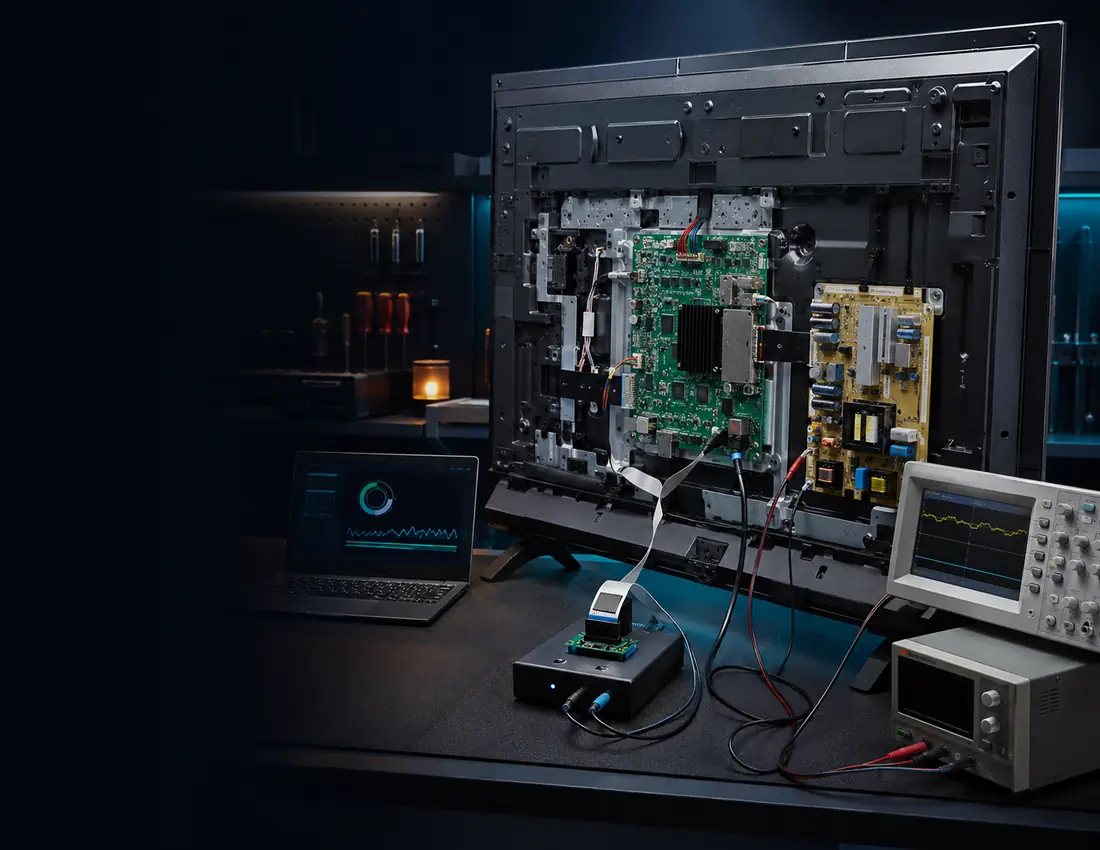 FIRMWARE · RECOVERY · SMART TV
Android / AOSP for TVs and devices
UI localization, system app configuration, custom branding, and working with AOSP builds for personal and business tasks.
ANDROID TV BOX
Android TV Box: hardware repair and system recovery
Freezing on the logo, no display, damaged HDMI, faulty power supply, Wi-Fi or eMMC memory.
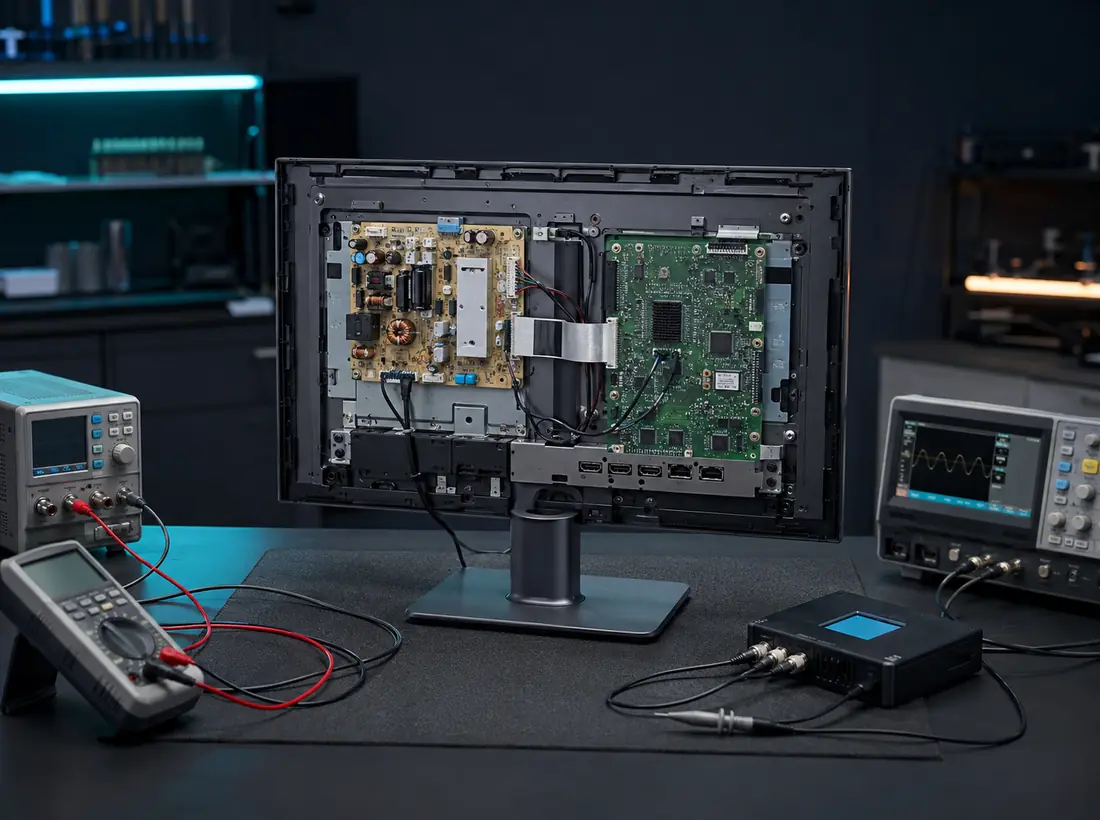 MONITOR · DIAGNOSTICS · REPAIR
Computer monitor repair
Diagnostics of power supply, backlight, image, and HDMI / DisplayPort / DVI / VGA inputs. A separate page without mixing with TVs.
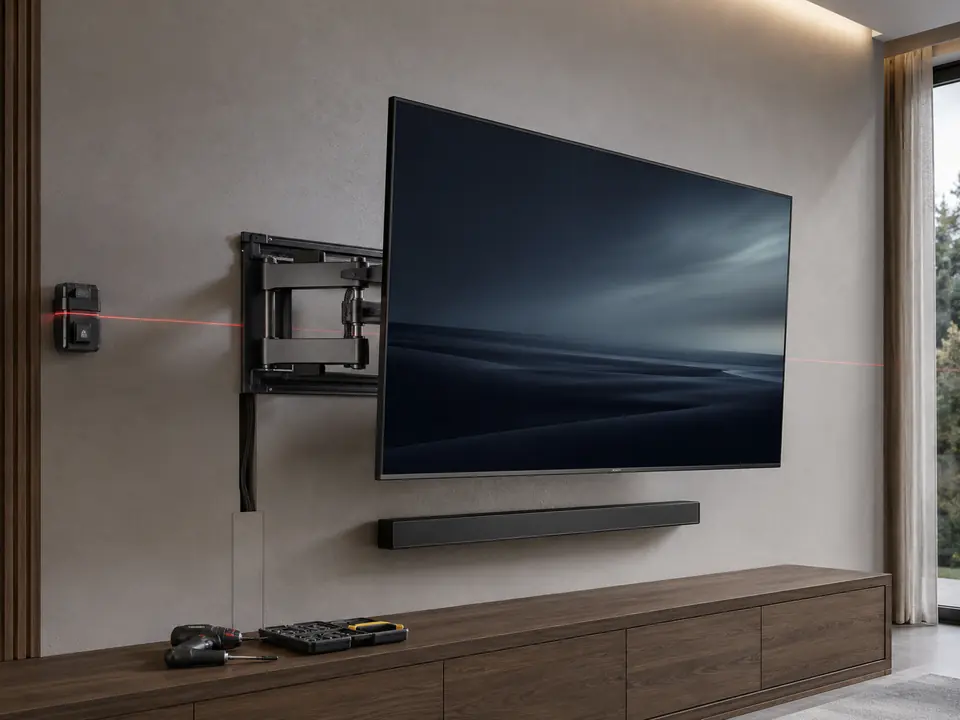
TV on the wall — level, secure, and no cable chaos
We select the right mount for your wall and VESA pattern, level the TV, connect your devices, and organize the cables neatly.
- Wall and ceiling mountsMounting tailored to your specific wall structure and TV placement.
- Cable concealment and routingClean, organized connections with no visual clutter.
- Soundbar installation and connectionA single, clean composition of screen, sound, and cables.
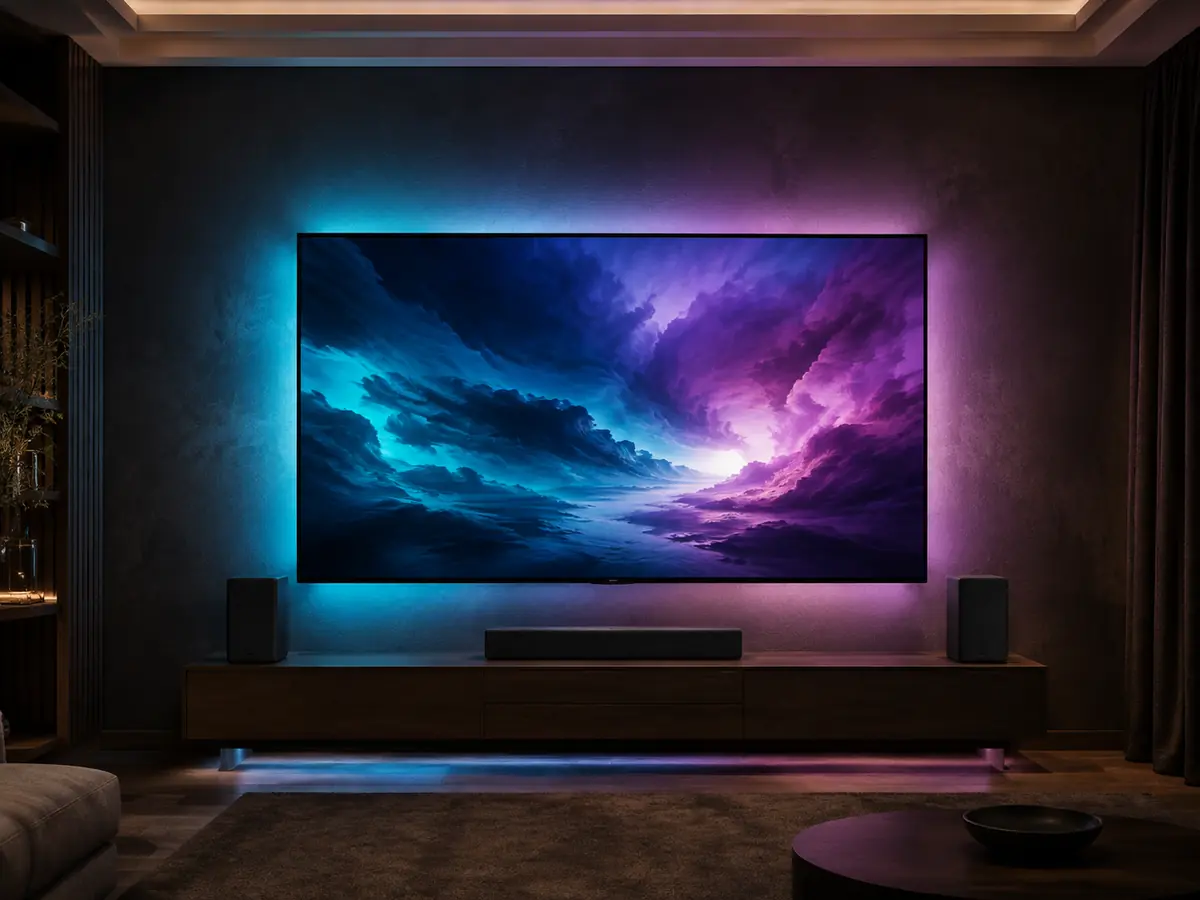
Ambilight and LightMusic
The backlighting synchronizes with the picture or music, noticeably deepening the viewing experience. We select the kit based on the screen diagonal, signal source, and usage scenario.
How repair works
First, we determine the cause and agree on a solution. Then we perform the repair, test the device, and hand over the result.
-
01
Request
Tell us the model and symptom, and attach a photo of the nameplate if needed.
-
02
Diagnostics
We determine the cause of the fault and the required scope of work.
-
03
Approval
We explain the diagnosed cause and agree on the next steps.
-
04
Repair
We restore the faulty component or software part of the device.
-
05
Testing
We check the device’s operation and the stability of the restored component.
-
06
Handover
We hand over the device and explain the work done and its terms.
Start with a request
Leave your name and phone number — the request will be sent to the unified TV Repair module for the technician to contact you.
We check the input circuits, converters, and power supply of the main units.
Exact price after diagnostics
The same symptom can be caused by different components. Before starting repairs, we identify the cause, explain your options, and agree on next steps. The terms and cost of diagnostics are provided before we accept your device.
- We check the actual components, not just the visible symptom
- We explain the possible next steps
- We agree on the solution before starting the repair
A dedicated workshop for TV equipment and complex electronics
TV Repair by Meryosab combines hardware repair, software recovery, panel work, and TV upgrades into one specialized service. First, we identify the cause of the fault — only then do we choose the repair approach.
-
Diagnostics
We check the modules, power supply, signals, and software.
-
Component-level approach
We repair the board and module where it is technically justified.
-
Checking the result
After the repair, the device undergoes final testing.
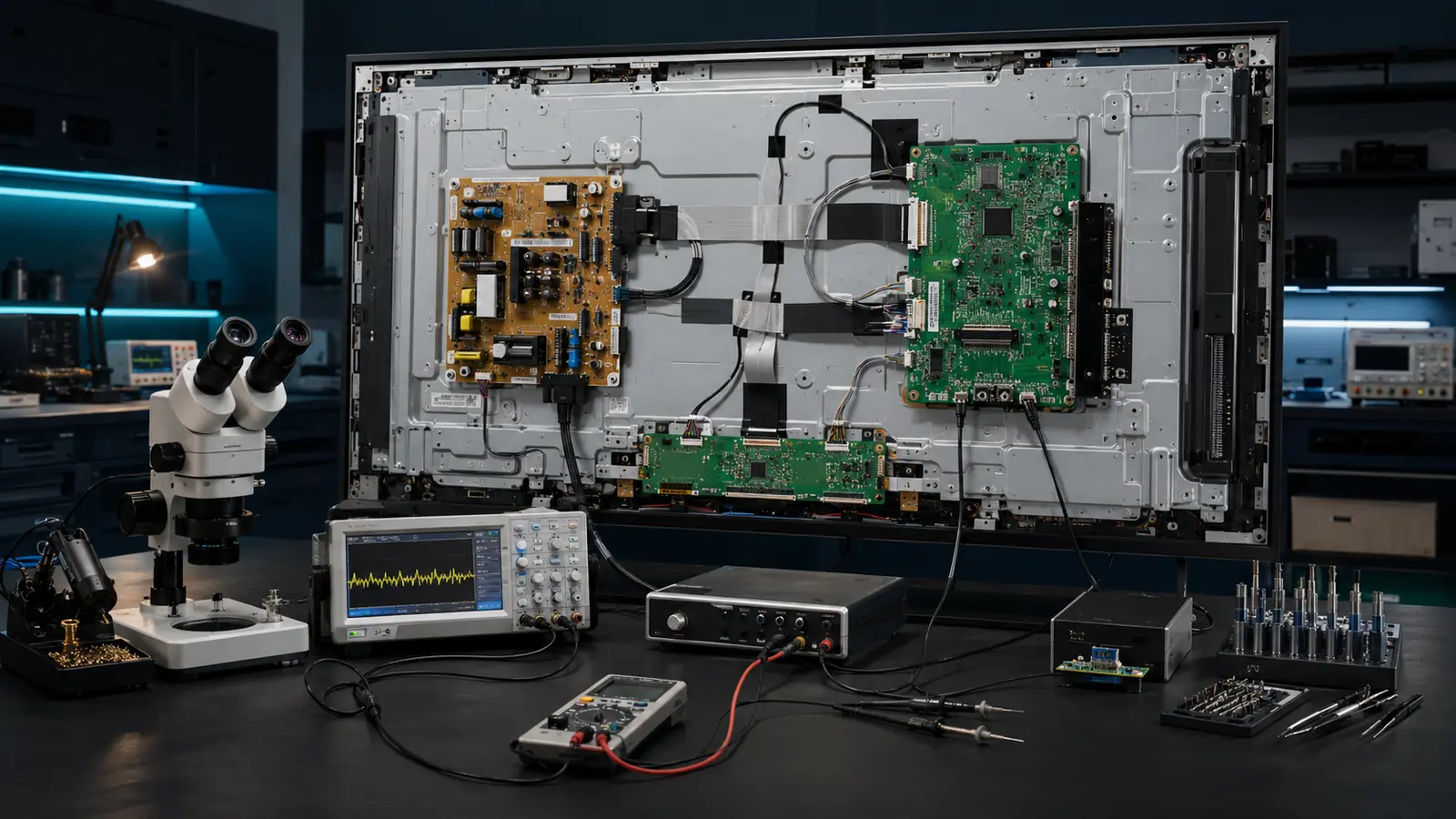
Diagnostics, component-level repair, and software work are performed in a single technical direction.
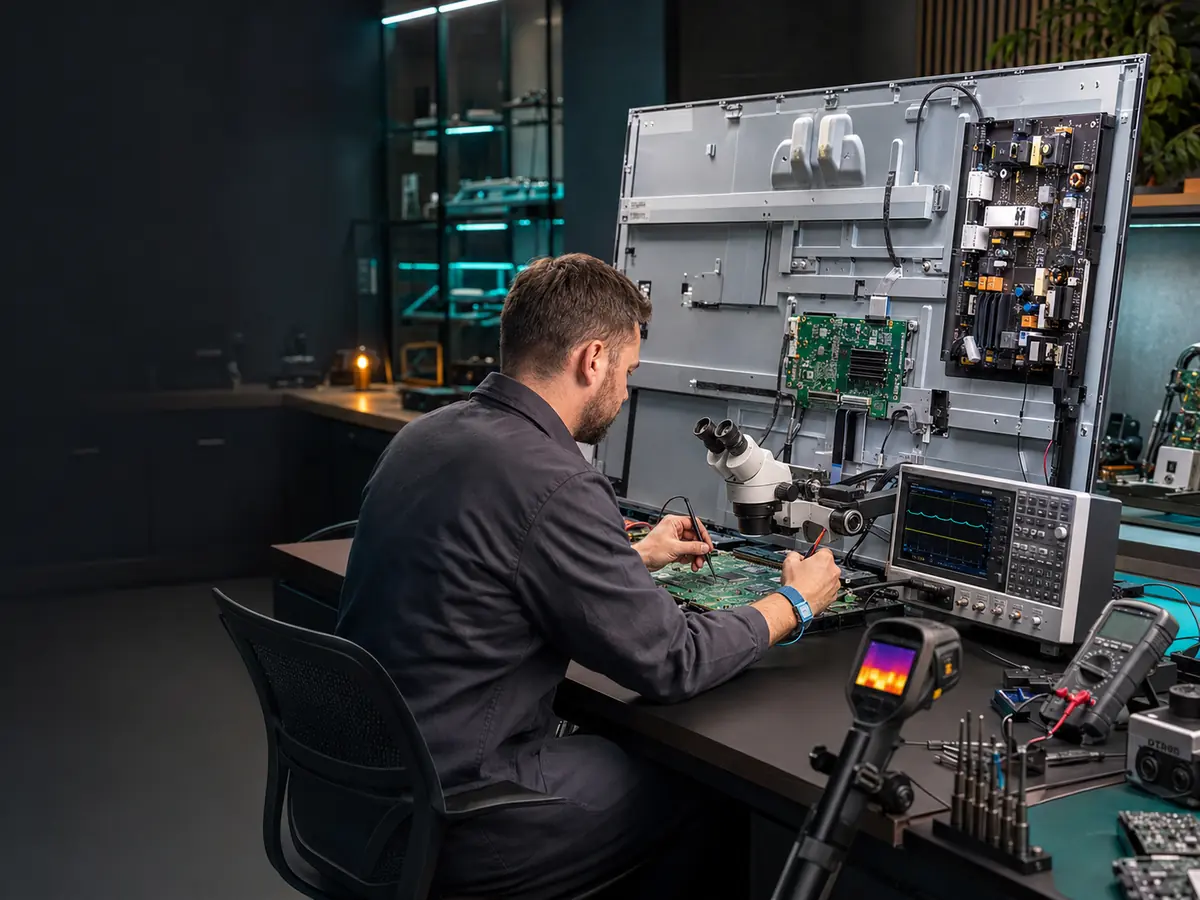
Equipment for precision diagnostics and complex repairs
A tool doesn’t replace experience, but without proper equipment, complex repairs quickly turn into a lottery.
-
Microscope
Inspection of soldering, traces, pads, and small components.
-
Oscilloscope
Checking signals, pulses, and circuit behavior in operation.
-
Lab power supply
Controlled power delivery and diagnosing issues via current draw.
-
BGA station
Work with BGA components and complex board assemblies.
-
Programmers
Reading and writing memory, firmware and data recovery.
-
UART
Service diagnostics of device boot and data exchange.
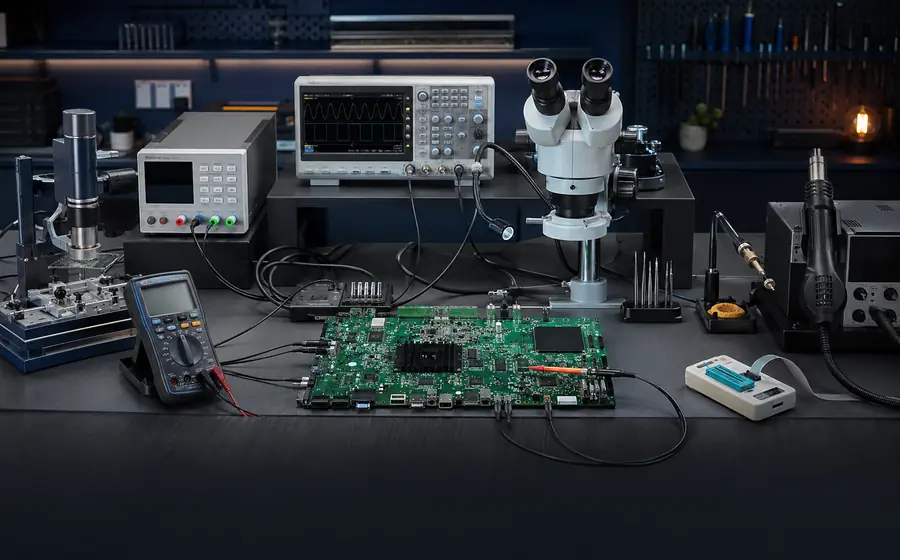
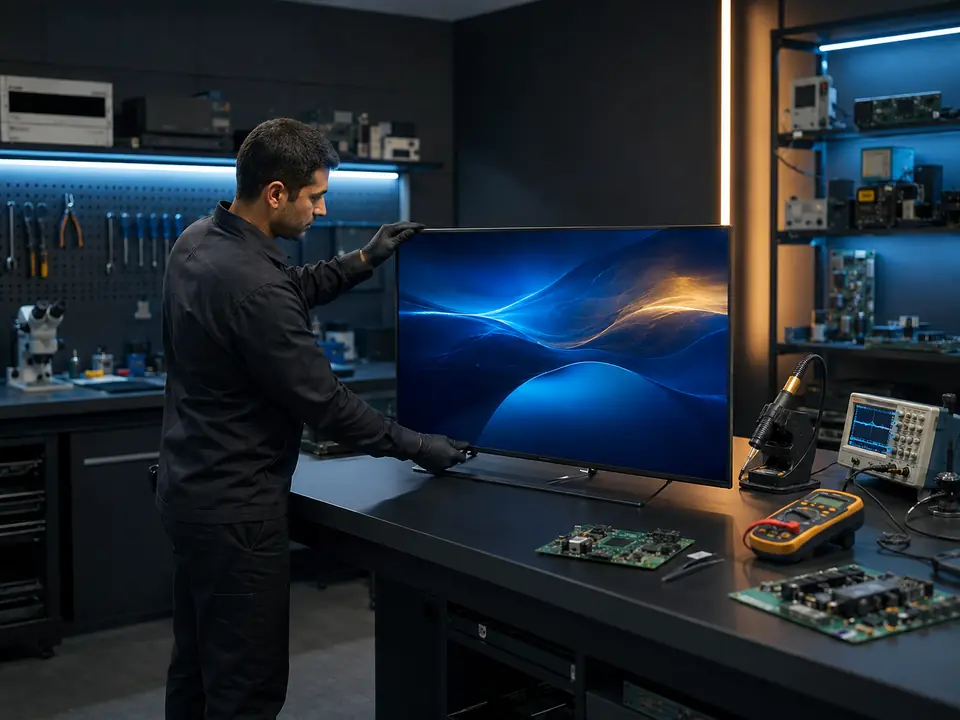
The large main photo shows the actual repair area, where measurement, soldering, and restoration are all carried out in one workshop.
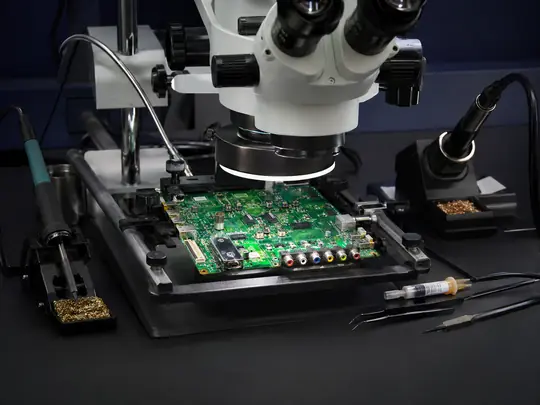
Precision work with small components and traces.
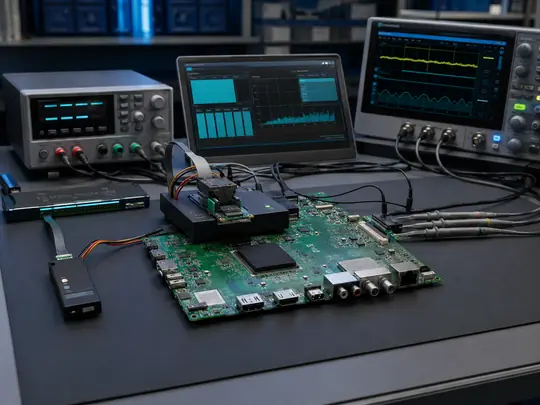
Working with memory, software, and signal verification.
TV Repair Team
Meet the TV Repair team — specialists responsible for diagnostics, repairs, and servicing of equipment.
Our specialists
People who are responsible for diagnostics, repair, and service quality every day.
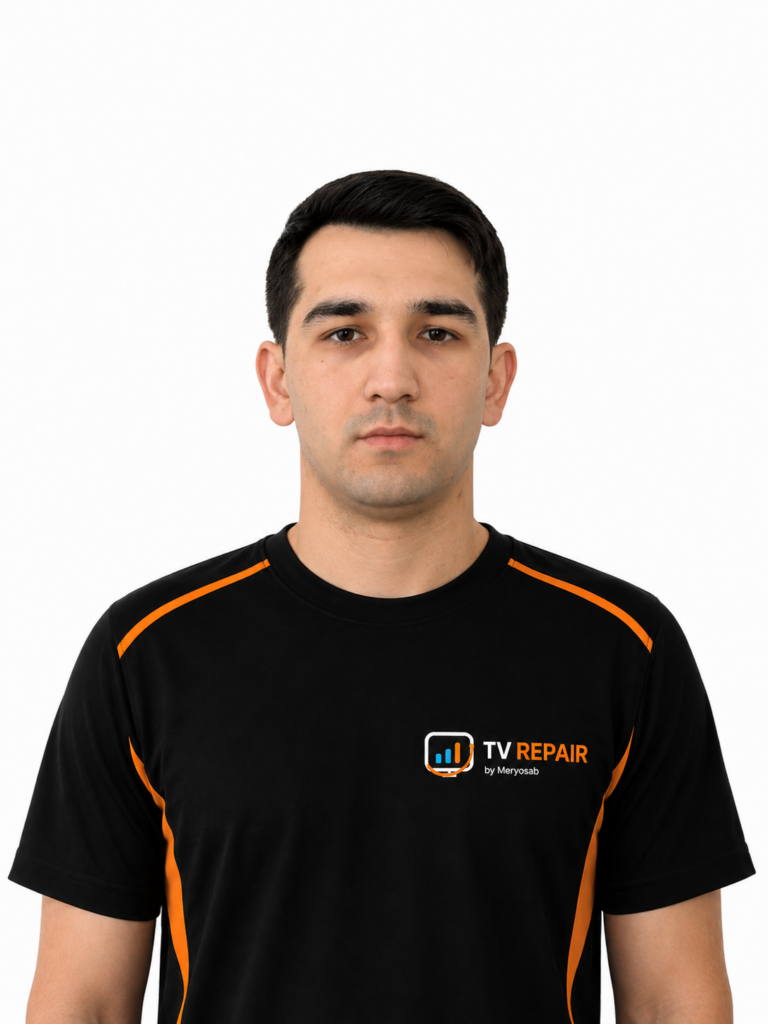
Yoldash Sabyrov
Building and developing a technology ecosystem in electronics, IT, and engineering solutions.
Yoldash Sabyrov
Building and developing a technology ecosystem in electronics, IT, and engineering solutions.
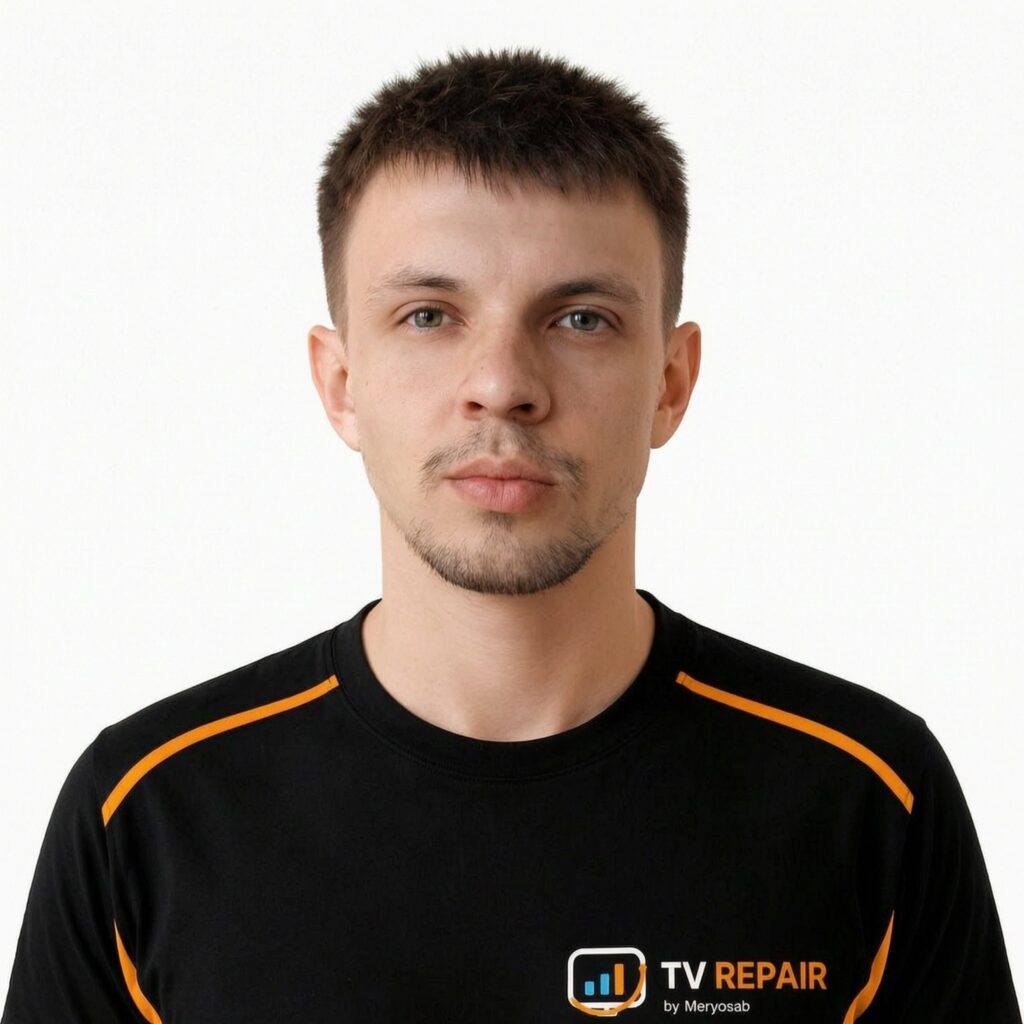
Nikita
Develops and improves software solutions, responsible for the functionality, stability, and usability of services
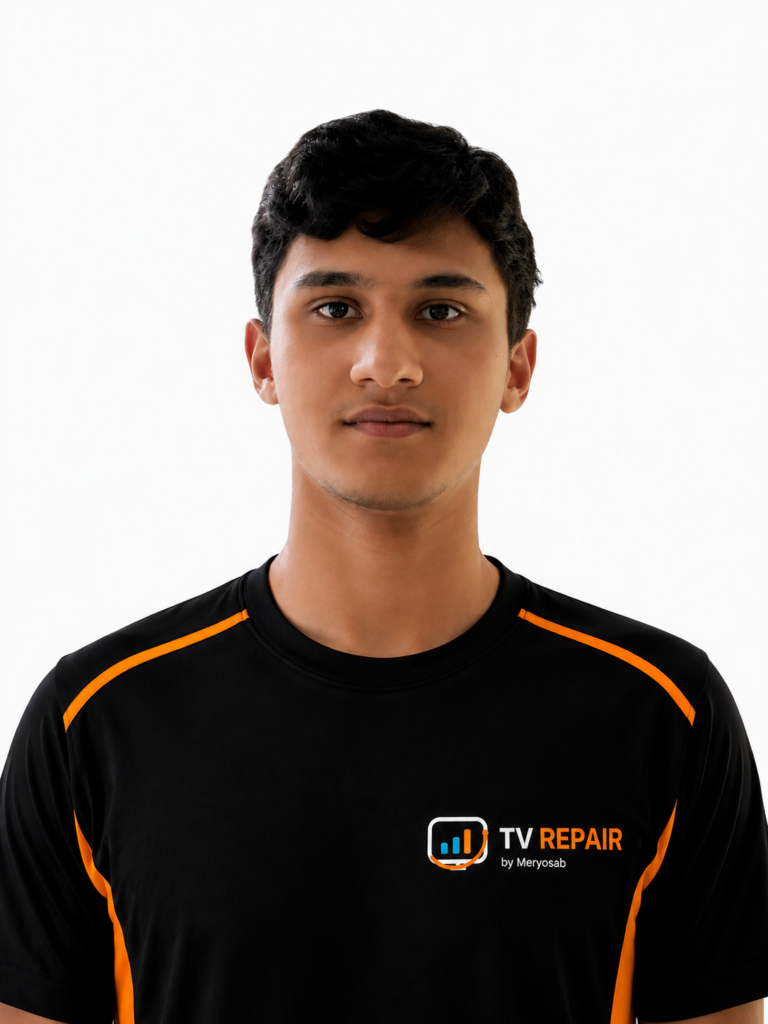
Rashid
LED backlight replacement, diagnostics, disassembly and assembly of 32–55 inch TVs.

Aylin
Managing social media and assisting the manager.

Gerchek
Handles diagnostics, repair, and replacement of damaged screens on TVs and other devices.
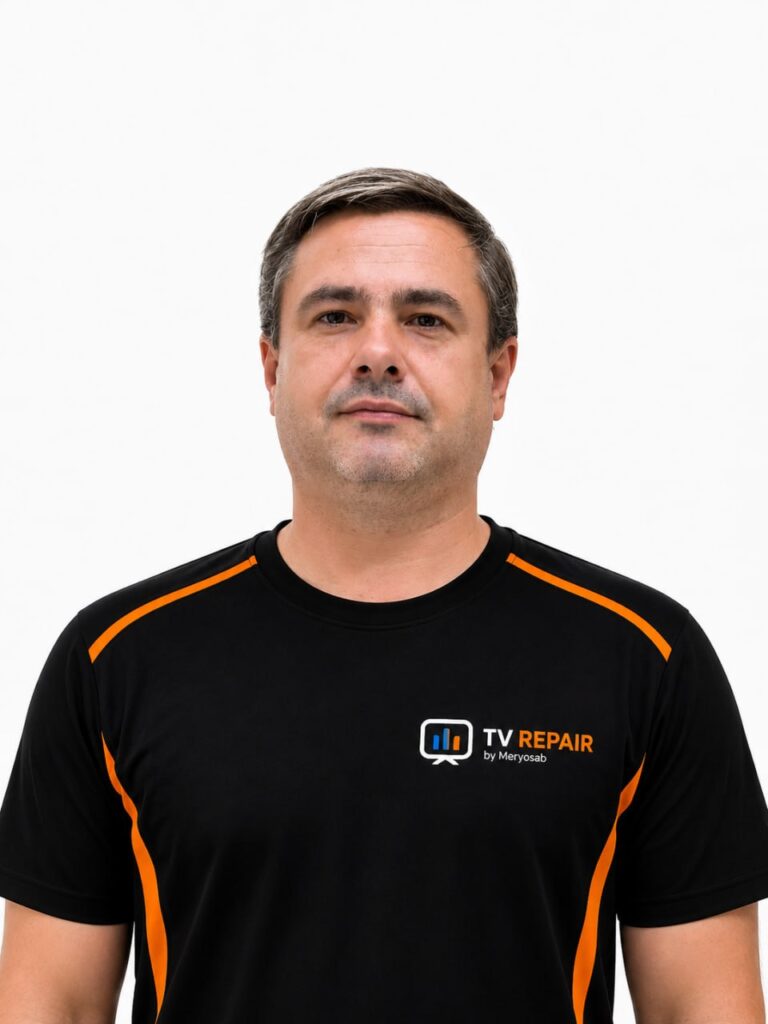
Dmitry
Home appliance repair (microwaves, multicookers, irons, vacuum cleaners, etc.) and remotes for TVs, set-top boxes, and g
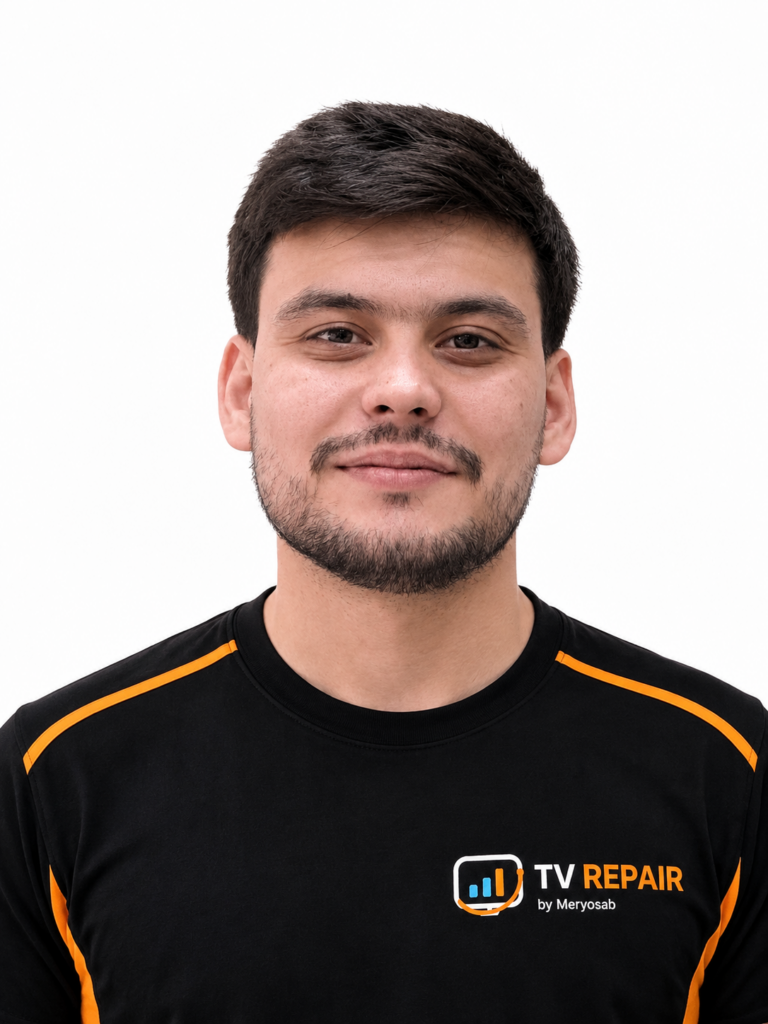
Murad
Diagnostics and repair of TVs, monitors, set-top boxes, projectors, and interactive whiteboards.
Open Positions
Computer and laptop repair technician
We are looking for an experienced technician to diagnose, set up, and repair computers and laptops, install Windows and software, and advise
Monitor and Computer Repair Technician
We are looking for an electronics technician to diagnose and repair PCs, laptops, monitors, and all-in-one computers, including screen repla
TV Repair Technician / Electronics Specialist
We are looking for a technician to handle diagnostics, repair of power supplies and main boards, and TV firmware flashing, with quality cont
Screen Repair Engineer / COF-TAB Specialist
We are looking for an engineer to perform diagnostics and component-level repair of TV, monitor, and laptop screens, including COF/TAB and m
Assistant Engineer for Display Electronics
Assistant engineer for display electronics: opening TVs, cleaning COF-tabs under a microscope, keeping things tidy. Training possible.
Employee / trainee for working with firmware and electronic boards
We are looking for an employee or apprentice to work with memory chips and firmware in a TV repair shop.
Real repair and upgrade projects
Photos of completed work — from component repair and board restoration to software work, TV installation, and Ambilight.
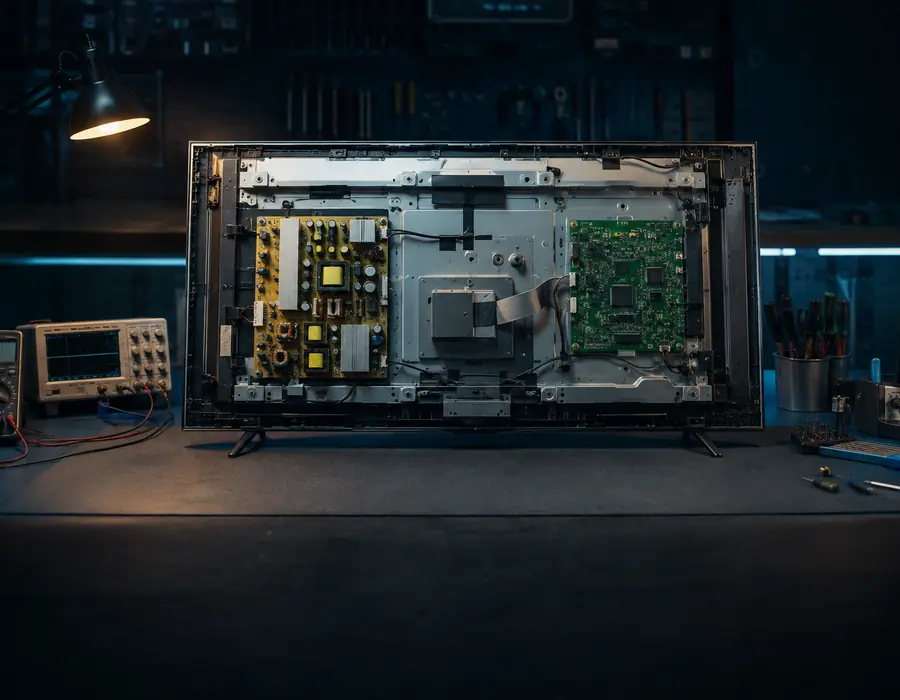
TV diagnostics and repair
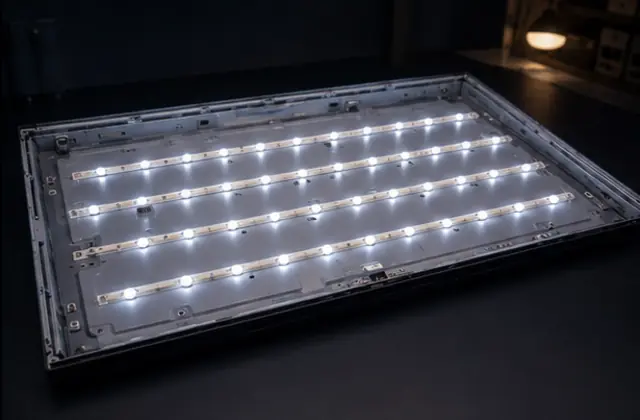
Backlight repair
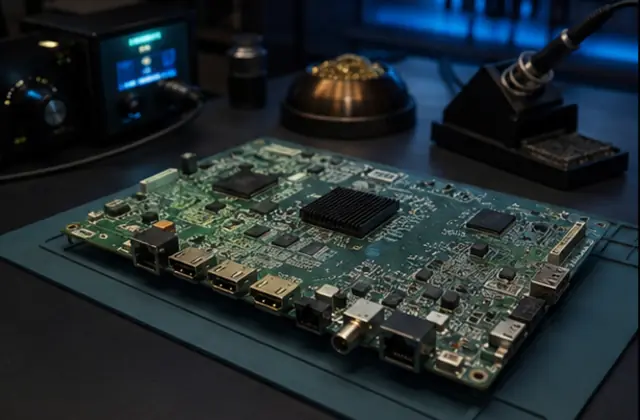
Board restoration
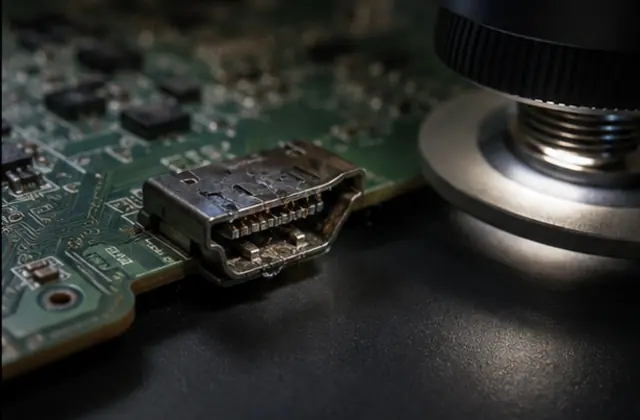
HDMI repair
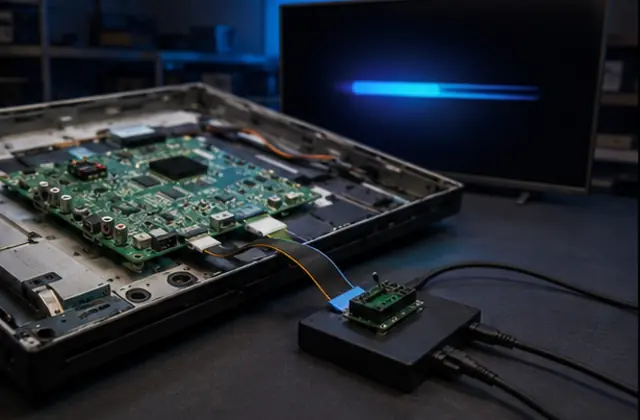
Software recovery
Select a category above — the gallery will switch to the relevant works.
View portfolioRepairs we showcase with substance
Each published case must include the model, symptom, diagnosis, work performed, and a verifiable result.
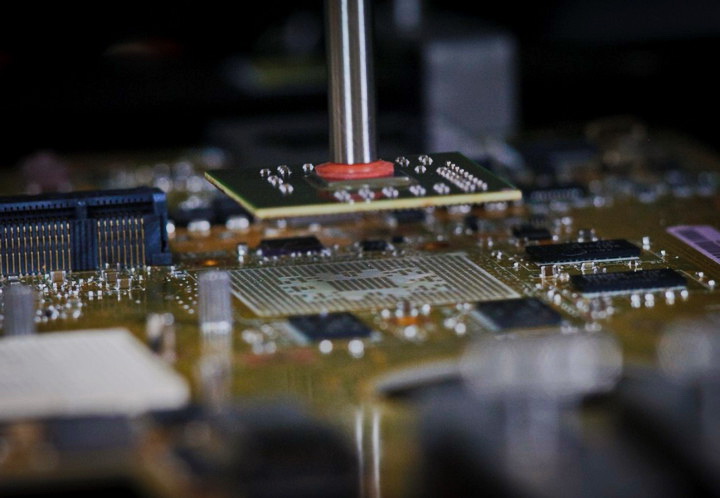
Component-level repair under a microscope
Circuit diagnostics, component work, and mandatory testing after restoration.
Main Board repair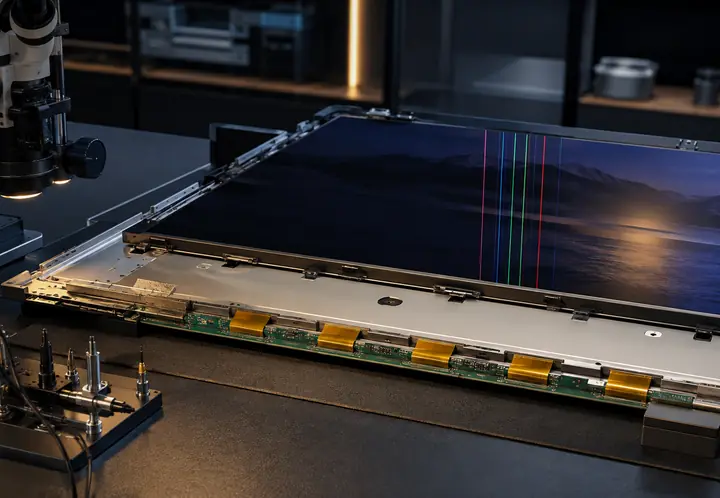
Image lines and distortions
The place is prepared for actual repair with before/after photos and the exact TV model.
COF / TAB repair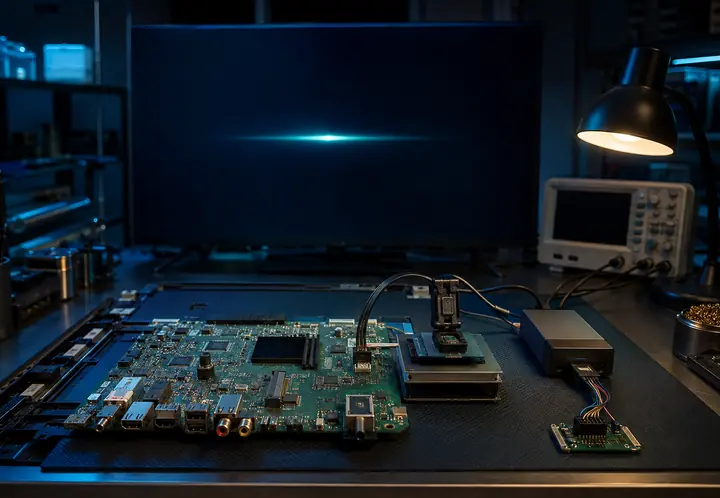
Bootloop and boot recovery
Area prepared for the UART log, memory diagnostics, and software recovery result.
eMMC repairBefore / after repair
Drag the slider to compare the image before and after repair.
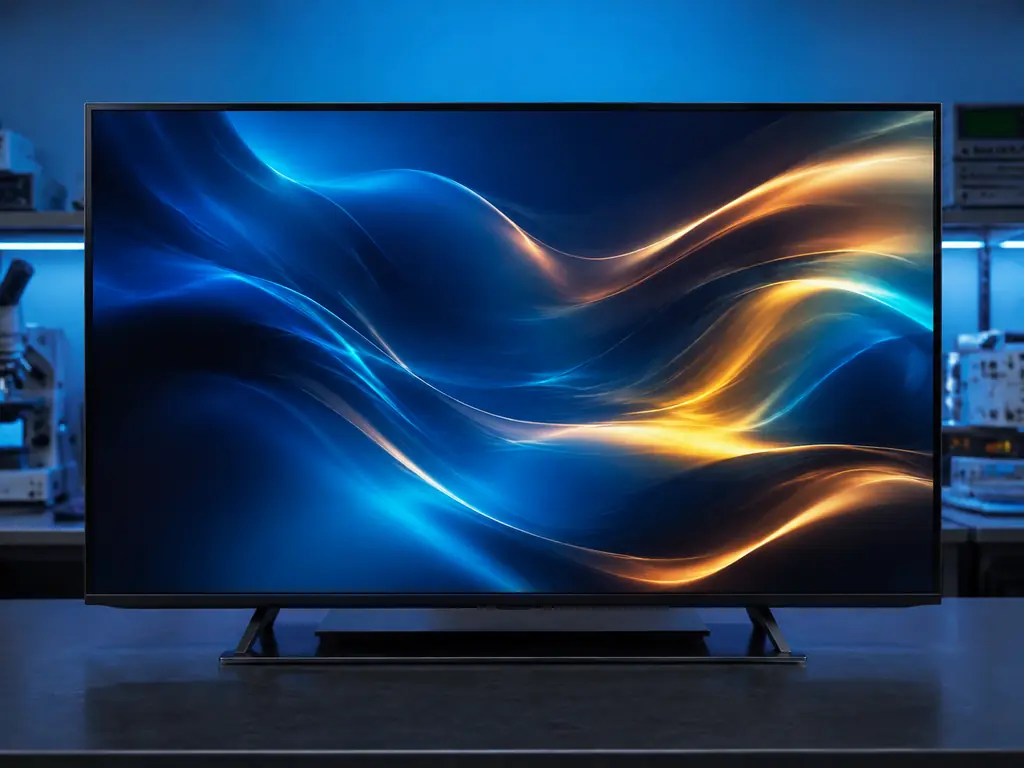 After
After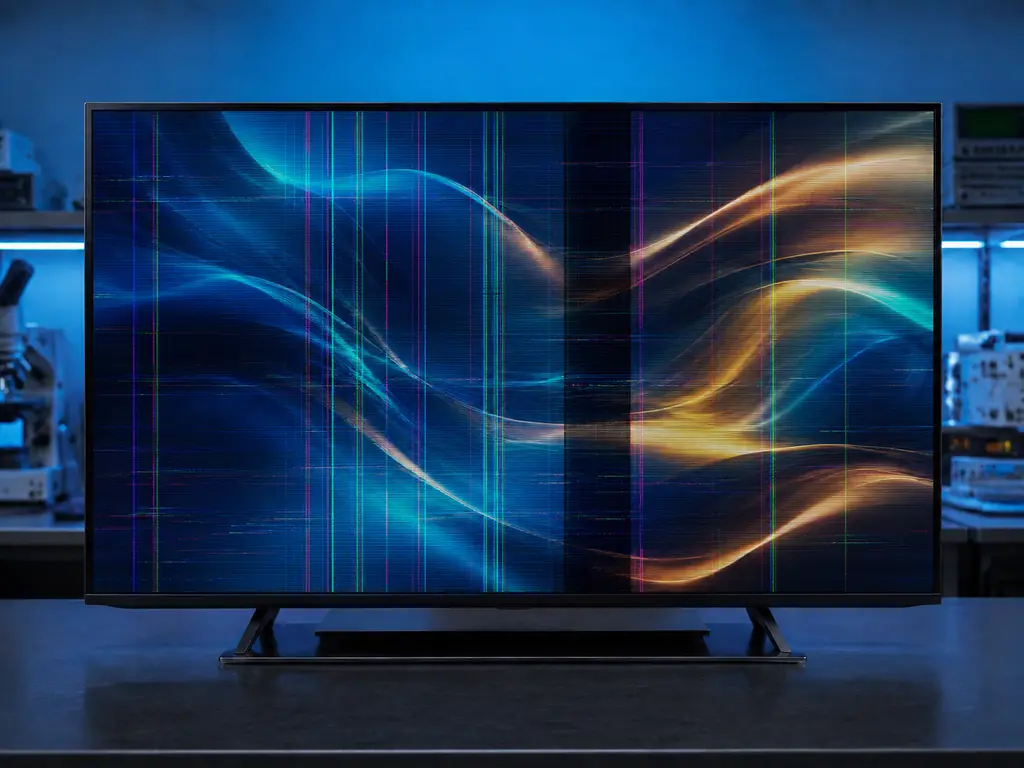 Before
Real work — from diagnostics to results
We show real workshop processes: diagnostics, restoration of electronics and boards, backlight and image work, firmware flashing, upgrades, and final post-repair checks.
 TV Repair Warranty
The warranty depends on the work performed and the part installed
We record what was repaired, what limitations apply to the specific case, and what the warranty covers. We let you know the exact time frame before handing over the device.
Warranty terms- Clear list of completed work
- Device check before handover
- Conditions for the specific repair
What determines the repair cost
Model, screen size, fault type, parts availability, and scope of work. The final price is agreed before repair begins.
Diagnostics
We inform you of the conditions before accepting the device.
Fault finding
We check the components and circuits associated with the symptom.
Repair scope assessment
We consider the device, the condition of the board, and the availability of parts.
Highlighting
The calculation is affected by the screen diagonal and the type of LED strips.
Screen and image
The cost depends on the nature of the fault and the repairability of the unit.
COF / TAB
We assess the condition of the connections and the specific matrix defect.
Component-level repair
Depends on the damaged unit and the required components.
BGA
We assess the board, the symptom, and the condition of the solder joints.
eMMC / memory
We take into account the device model and memory state.
HDMI
We check the port and associated signal circuits.
Connectors
The estimate depends on the connector type and the condition of the contact pads.
Signal circuits
Components and signal path need to be checked.
Firmware
We take into account the model and current software state.
Android / AOSP
The scope of work is determined by the specific device and task.
TV Box and tuners
Diagnostics determines whether software or component repair is needed.
TV installation
The estimate depends on the wall, screen size, and mounting hardware.
Ambilight
The cost depends on the screen size and selected configuration.
LightMusic
We determine the scope of work based on the device and the desired result.
The exact cost depends on the specific device and the diagnostic result. We don’t show random numbers before inspecting the equipment.
Not sure what repair you need?
Describe the issue in your request or write to us on WhatsApp — then we’ll figure out where to start.
Service terms must be clear before the repair.
We only show real rules and documents that actually apply to the service — no decorative “certificates”.
Warranty terms
What the warranty covers, what the term depends on, and which cases require separate approval.
View termsDiagnostics rules
How the device is accepted, how repairs are coordinated, and when diagnostics are included in the cost of work.
DiagnosticsDocuments for businesses
Contracts, reports, and other documents are added only in the format actually used.
For businessRepair services for stores, dealers, and corporate clients
Equipment batches, warranty service, technical reports, and white-label work — we tailor the format to your company’s actual workflow.
Discuss partnershipUnified intake, tracking, and approval.
Model, diagnosis, work, and status.
Service under the partner’s brand.
Checking each device.
Useful materials on repair and TV equipment
The articles answer real customer questions and help you understand the issue before contacting the service.
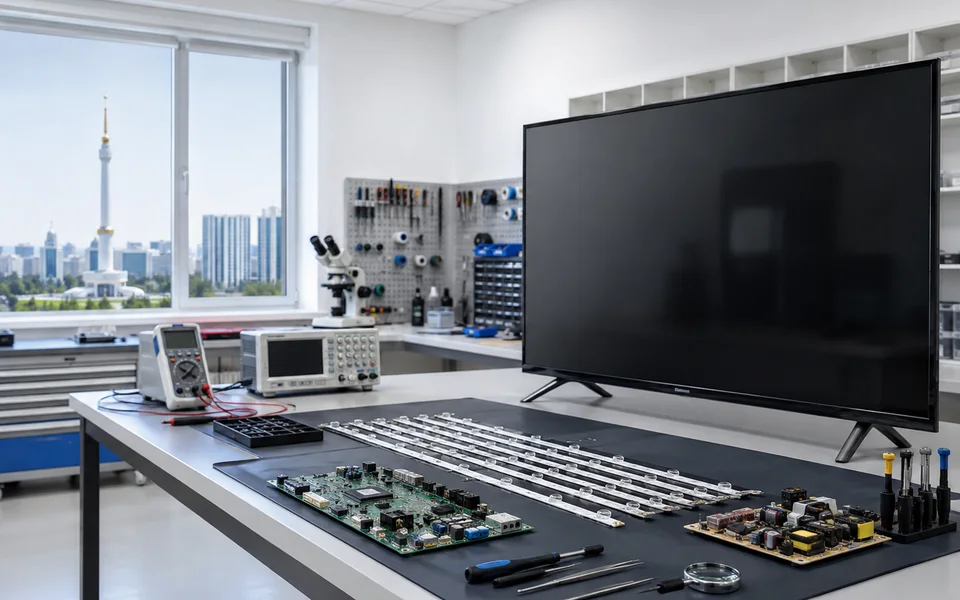
Firmware flashing for LG TVs (webOS) in Ashgabat
Diagnostics and firmware recovery for LG webOS TVs in Ashgabat. Updates, recovery after failures, and performance checks. Price after diagnostics.
Read article
Samsung TV firmware flashing in Ashgabat: diagnostics and recovery
Samsung firmware diagnostics and recovery in Ashgabat: stuck on logo, bootloop, Smart Hub failures. Price after diagnostics. TV Repair contacts.
Read article
Xiaomi TV firmware flashing in Ashgabat: diagnostics and recovery
Firmware flashing and repair for Xiaomi TVs in Ashgabat: stuck on logo, bootloop, recovery, memory diagnostics. TV Repair contacts.
Read article
How we adapted the Chinese Philips 75″ for global Android apps while preserving Ambilight
TV Repair Case: How a 75-inch Philips from the Chinese region was adapted to global Android, Russian language, and IPTV without risky firmware flashing,…
Read article
What does Bootloop mean on Smart TV: firmware, eMMC, and power
What is a bootloop on a Smart TV, why does the TV keep restarting endlessly, and how to distinguish firmware failure, eMMC/NAND degradation, and…
Read article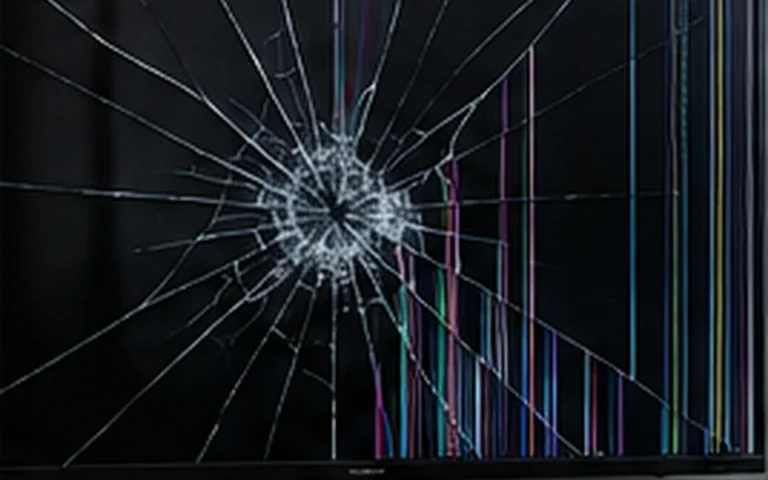
When Replacing a TV Panel Makes Sense
What to check before replacing a TV screen: the exact panel model, diagonal size, compatibility, cost, and the condition of other components.
Read articleExperienced specialists always have something to talk about.
Job openings are published only when a position is truly available. A dedicated page lists the requirements, conditions, and application form, keeping it separate from the customer repair funnel.
How long does a repair take?
It depends on the fault, the model, and part availability. We give you a preliminary timeframe after diagnostics and before the work starts.
Can you quote a price over the phone?
We can only give a rough estimate for a clear-cut, typical job. The exact price is given after inspecting the device, so we don’t promise a random figure.
What should I provide before contacting you?
Device type, brand, exact model, and symptom. It’s best to attach a photo of the nameplate and a short video of the problem.
Do you repair a TV if there is sound but no picture?
Yes. We check the backlight, driver, power supply, T-CON, panel, and signal circuits — the cause is not always a single one.
Can a TV be restored after a bootloop?
Often yes, but one needs to distinguish between firmware, eMMC, power, and main board issues. The solution depends on diagnostic results.
Do you repair display panels?
Repair is not possible in all cases. We check the COF/TAB, T‑CON, flex cables, and the panel itself, then explain whether repair is worthwhile or replacement is needed.
Is there a warranty?
Yes, the terms and duration depend on the work performed and the part installed. We communicate and record them for each specific repair.
Can I send a photo first?
Yes. Send a photo of the screen, the label, and a description of the issue via WhatsApp or the online form.
Frequently Asked Questions
If you don’t see your question here, send us the model and a photo of the nameplate.
All QuestionsReach out whichever way works best for you
Leave your name and phone — we’ll get back to you and point you in the right direction. Or message us directly through any channel you prefer.
Leave your name and phone number — we’ll get in touch, confirm the device model and the nature of the problem, answer your basic questions, and help you choose a convenient next step. You don’t need to figure out the cause of the fault in advance — just leave your contacts, and we’ll discuss the details when we reach out.
TV Repair throughout Turkmenistan
Select a velayat, city, or etrap to go to the relevant page and find information for your area.


Отзывы о наших услугах
Читайте реальные отзывы клиентов о ремонте и обслуживании телевизоров. Поделитесь своим опытом, чтобы помочь другим клиентам сделать правильный выбор.
There are no reviews yet. Be the first to share your experience.